The ideas here run from nearly free, like a few cable management fixes or a change in ambient lighting, to a full media wall or a ping-pong table that takes over the floor.
What picks yours is how much floor and desk width the office gives up once work is done for the day, which is why an L-shaped corner desk and a pegboard organizer sit so far apart from a ping-pong table.
A small room suits one-wall ideas such as the pegboard or the Giant Jenga game that stacks into a corner, while three monitors need a desk wide enough to hold three panels side by side.
1. Board Game Library
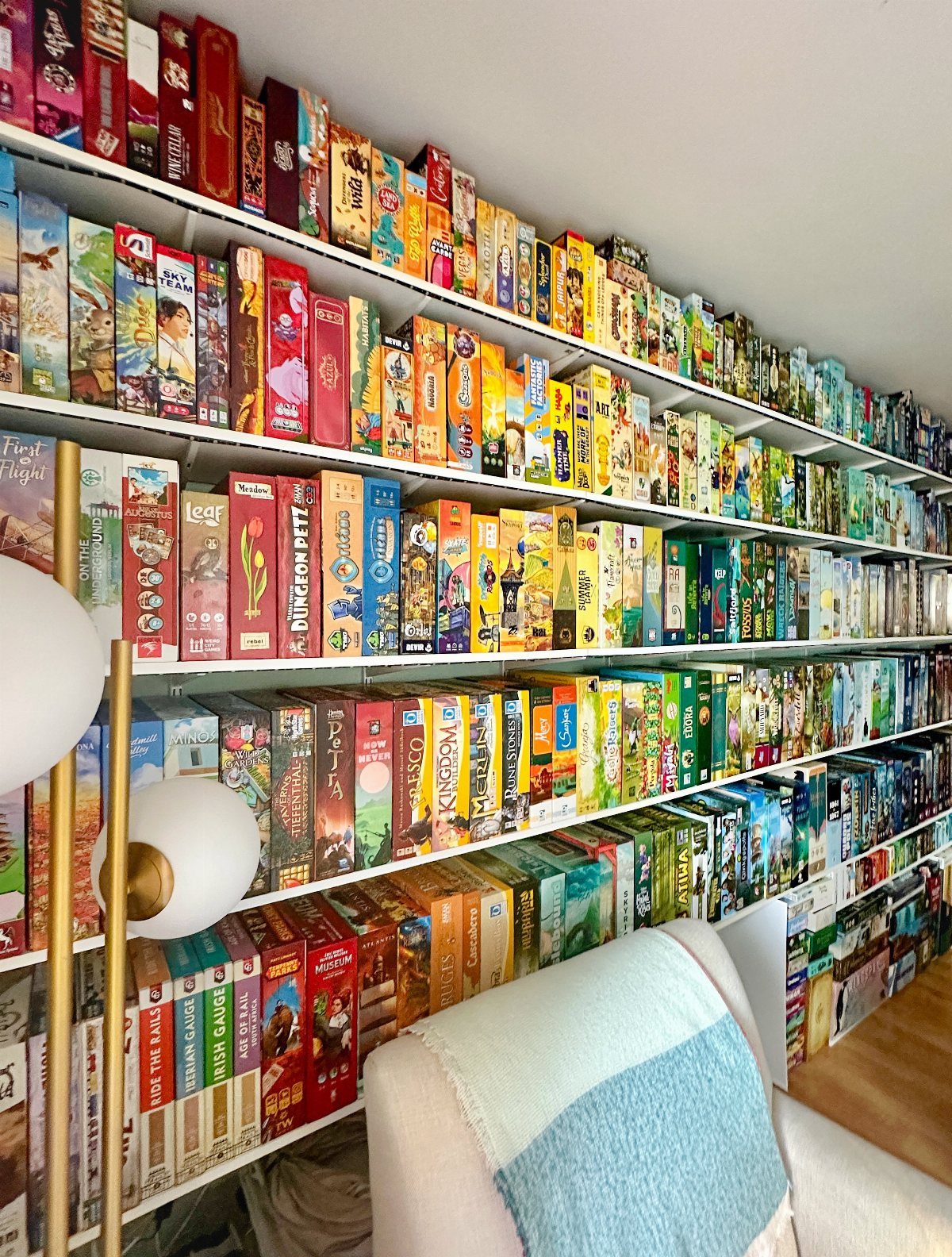
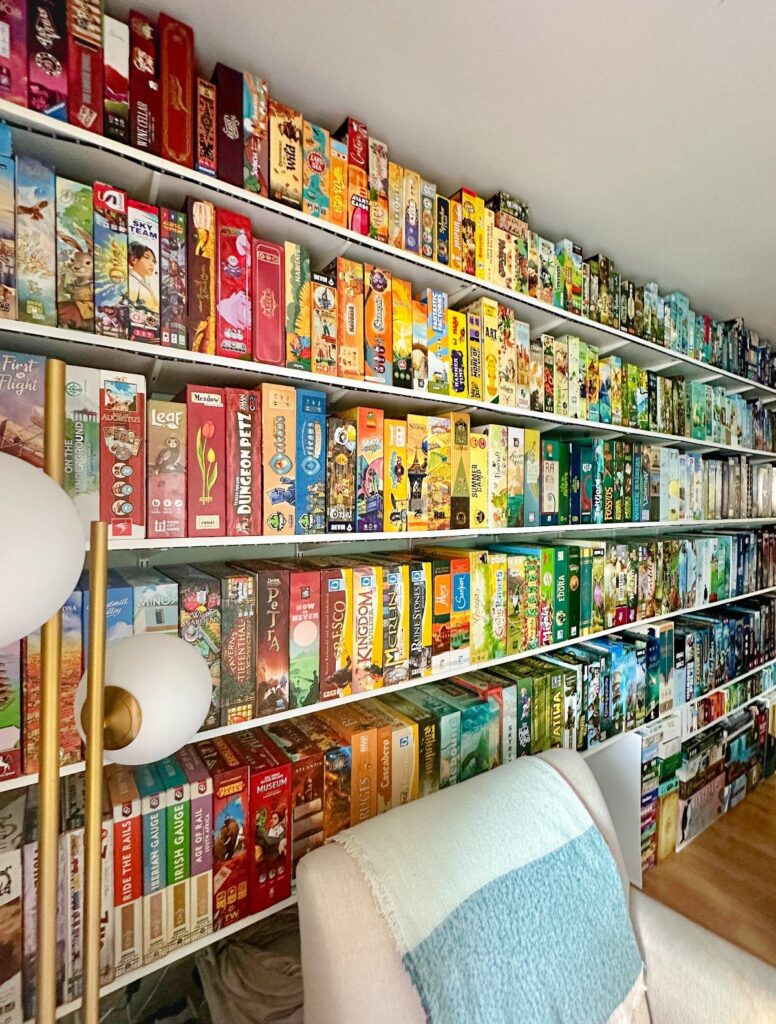
Floor-to-ceiling shelving turns a stack of games into a lounge feature, and white shelves keep the colorful boxes as the only loud thing in the room.
Store them spine-out or face-out, whichever shows more of the art, and group by type so setup stays quick.
For a small office, I’d fill just one wall. Casual games for a break between work calls are the right pick here; leave heavy strategy titles for a basement.
For retro and party gaming setups, ensure ample room for movement and socializing, aiming for at least 12×12 feet.
— BenQ
2. Media Wall
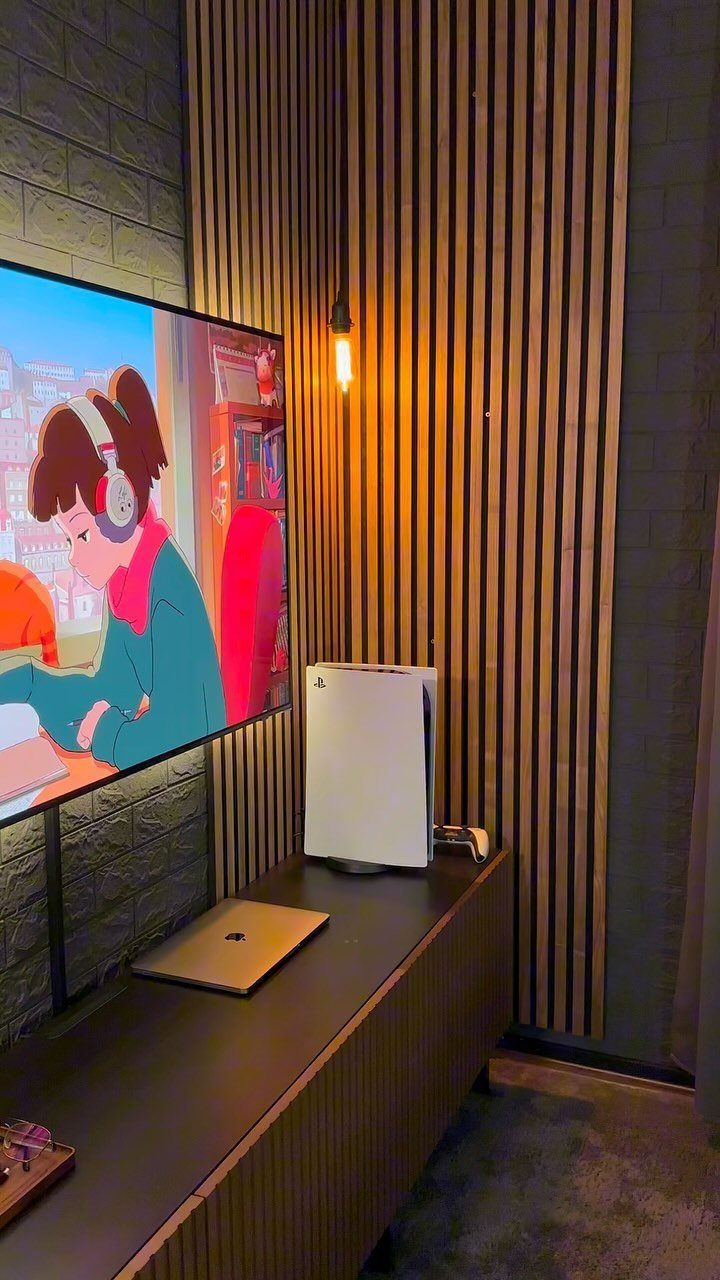
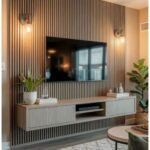
A dark console table under a TV is the simplest media wall: one surface holds the console, a laptop and the screen’s cables. Texture does the styling, so wood slats beside brick give the wall depth without any art.
I like this setup because one screen covers both jobs, a presentation in the afternoon and a game later. Mounting the TV higher frees the table for storage.
3. Ergonomic Chairs
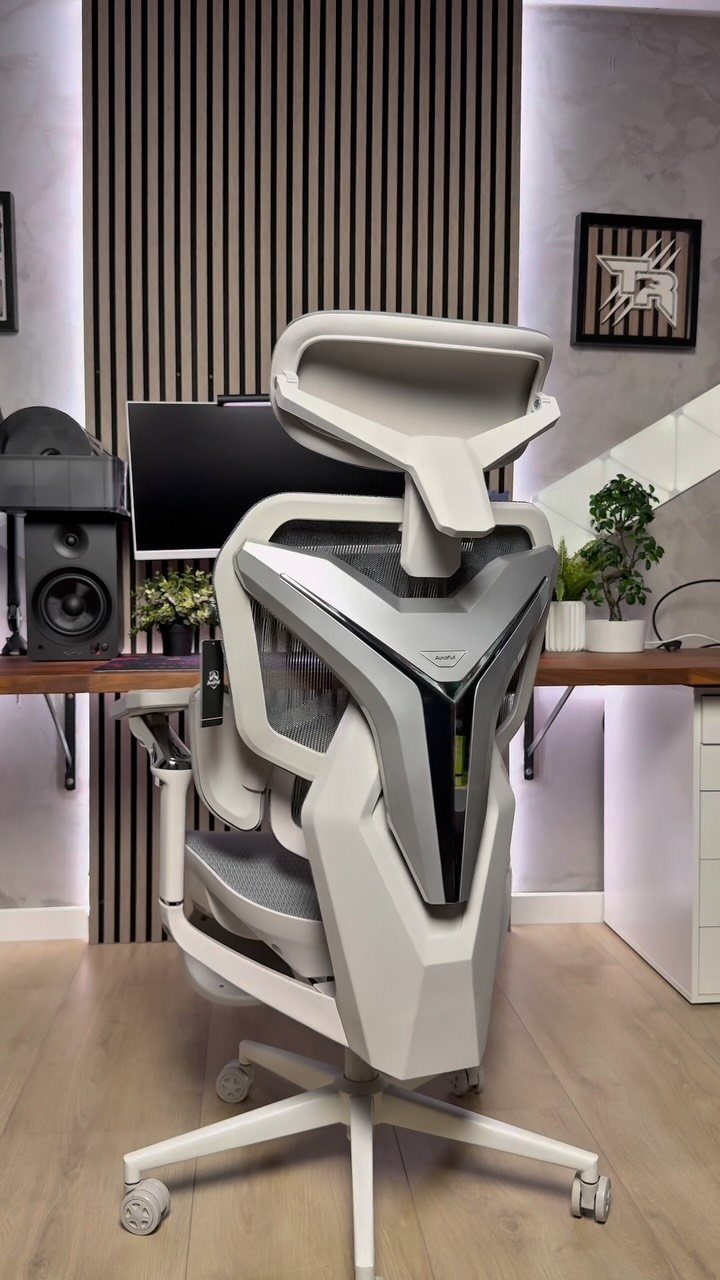
Hours in a gaming chair are decided by the seat, not the styling, and a futuristic white shell only earns its spot if it adjusts. Before buying, check for adjustable height, a reclining back and armrests that move.
Sit in it at a store if one is nearby.
Returns matter for online orders, since comfort is personal. In an office that doubles as a game room, I’d spend more on the chair than on any other single piece, because you sit in it for both work and play.
4. Space Themed Decor
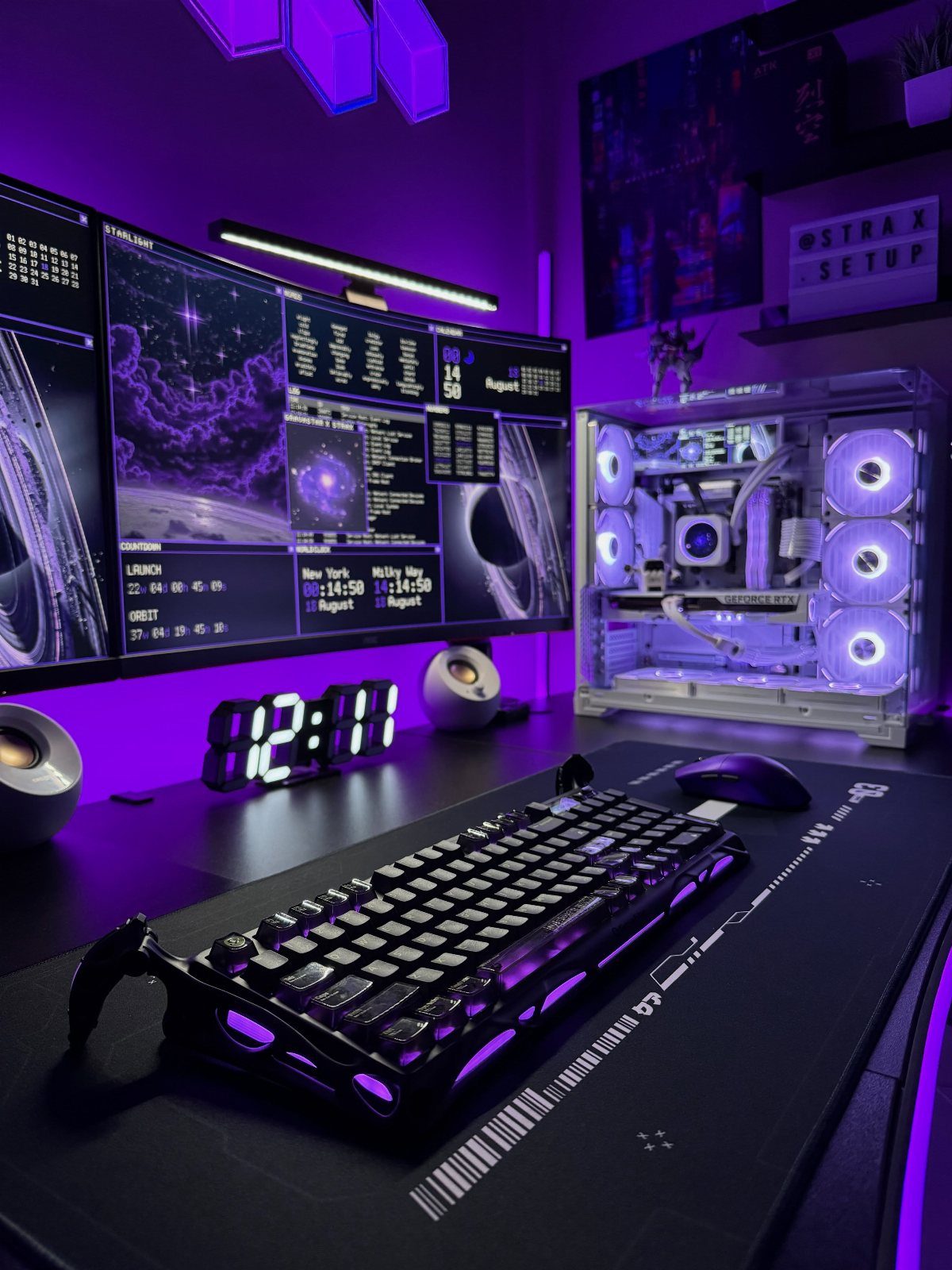
Purple light and space wallpaper on dual monitors make a theme that costs very little: the biggest part is a desktop background, which is free.
Match the glow of the PC case and desk lighting to one color so the room reads as a single idea.
Then add one or two personal pieces, like a small clock or a poster of a favorite game.
Stop there. A dark room with a few glowing items looks intentional, while too many themed objects look like clutter on a small desk.
5. Pastel Kawaii Gaming Setup
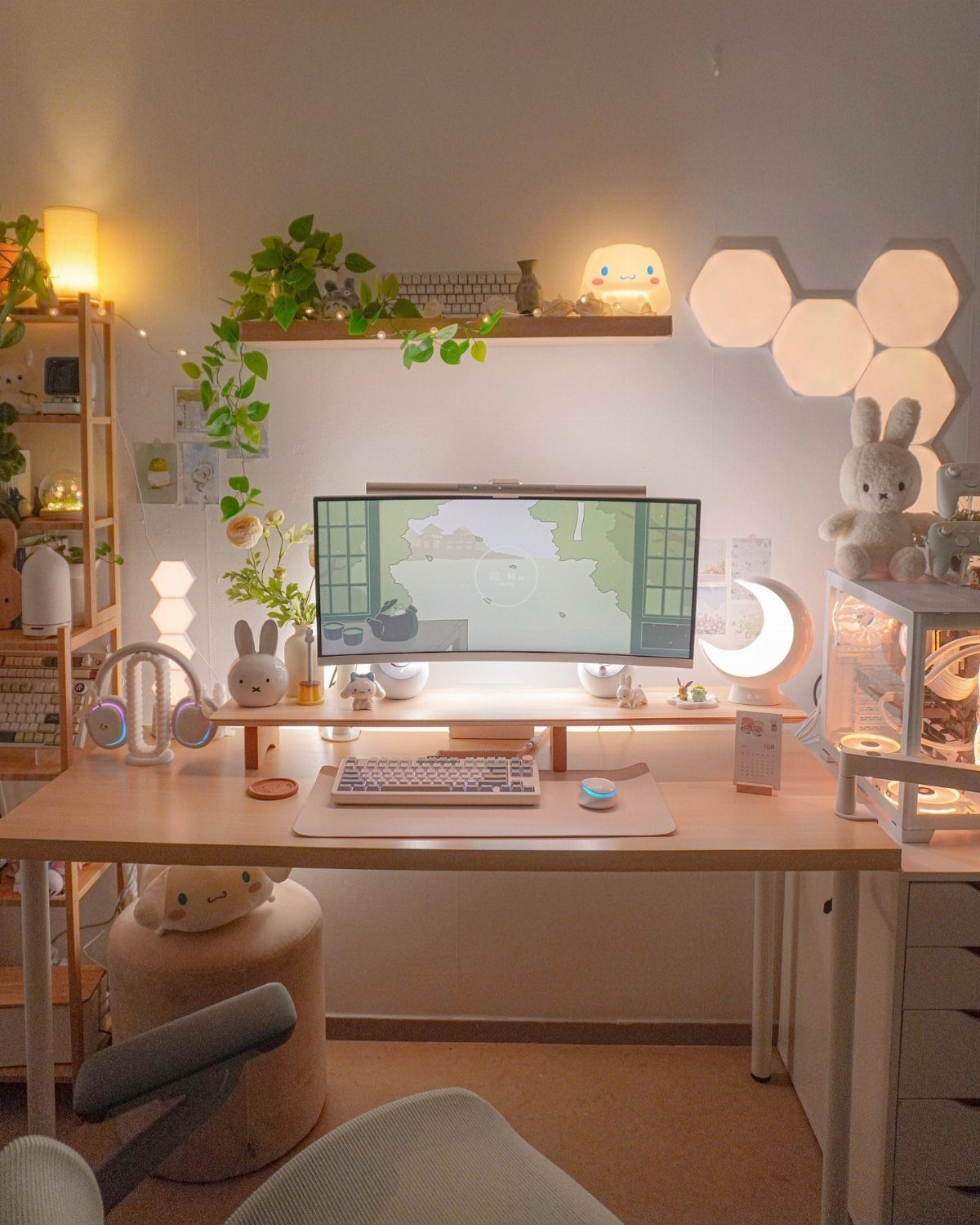
Pastel works in a work-and-play office because the palette is soft enough to pass on a video call.
Warm light is the detail I’d copy first, since it makes a screen-heavy room feel calmer. Choose one pastel shade and repeat it.
6. Synthwave Streamer Gaming Room
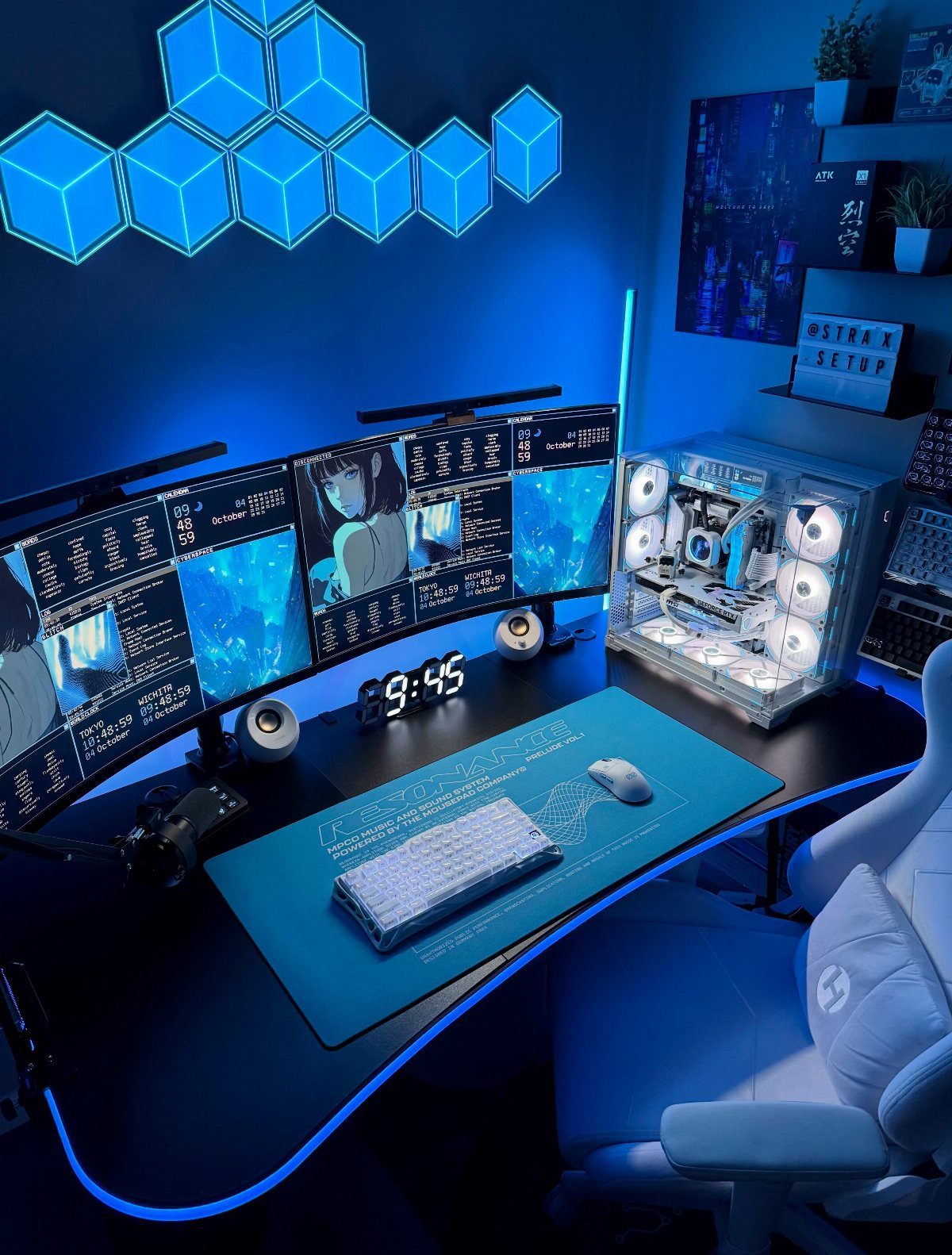
Blue neon hexagon lights on a dark wall give a streaming room its look, and they also double as the backdrop behind your head on camera.
3 monitors, a desk mat and a white egg-style chair keep the bright color confined to the walls.
I’d choose a single accent color rather than mixing several, because it reads cleaner on camera. 3 screens need a wide desk, so measure first.
7. Ping-Pong Table
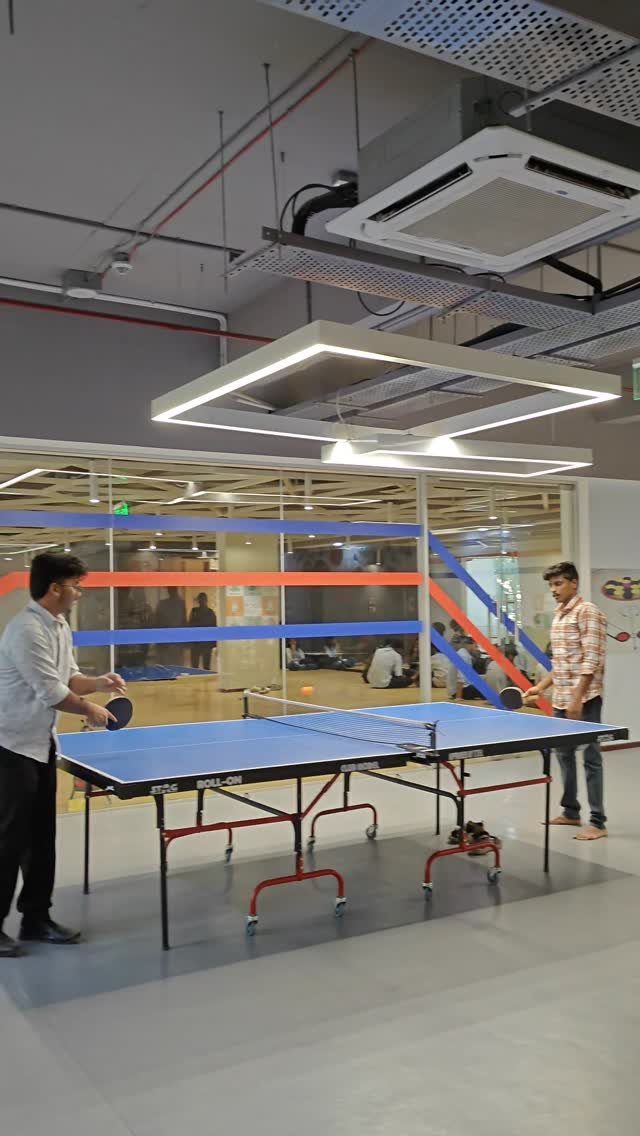
A roll-on table, the kind with wheels, is the version I’d pick for a real room, since it folds away when work needs the floor.
Measure before buying. A full-size table needs far more space than most home offices have, so a small room is better served by a different game.
8. Giant Jenga
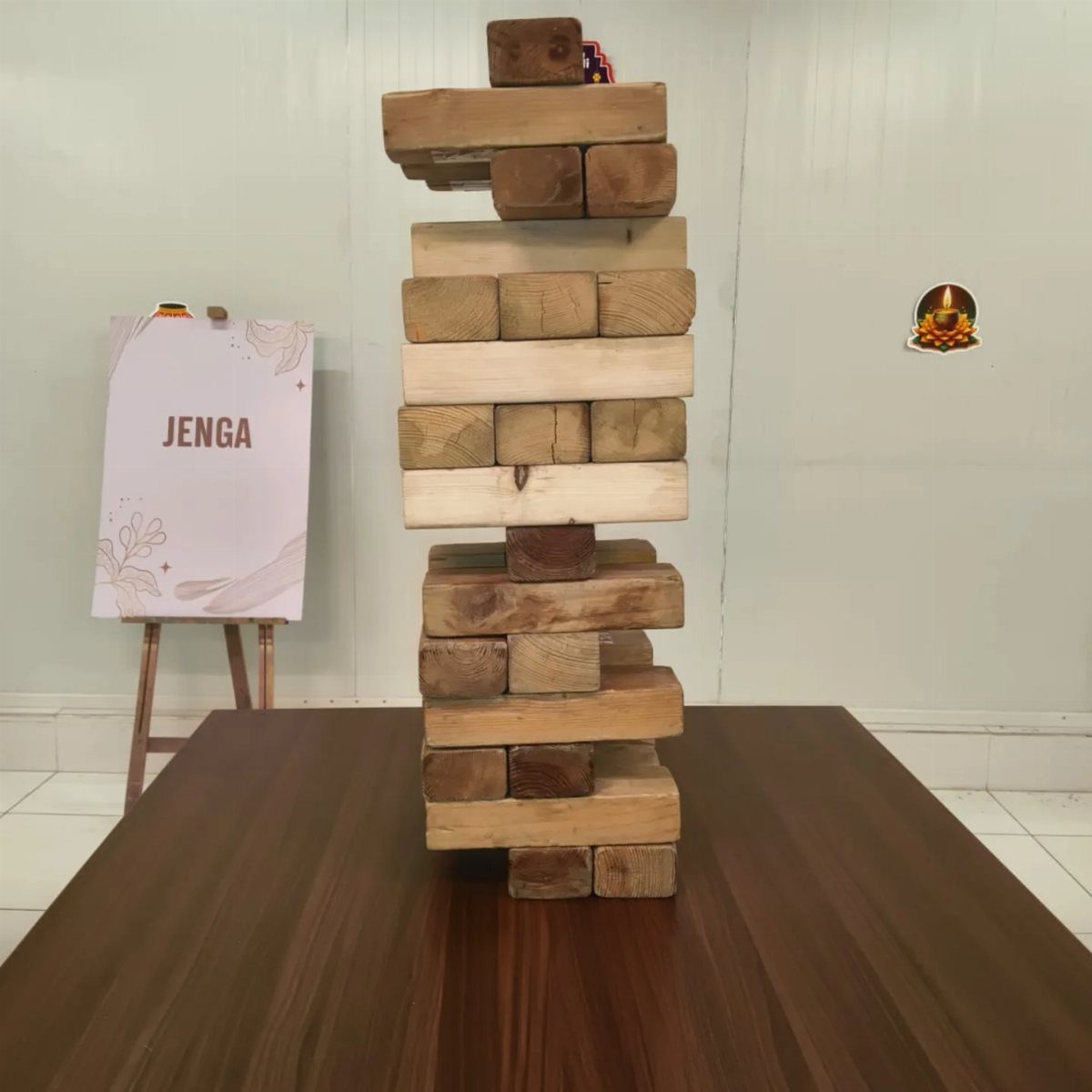
Play it on a sturdy, flat surface, and a dark wood table makes the pale blocks easy to read.
I like it for a small office because the whole game stacks into a corner when work resumes. Nothing plugs in, so it suits a shared space too.
9. Plant Wall Backdrop
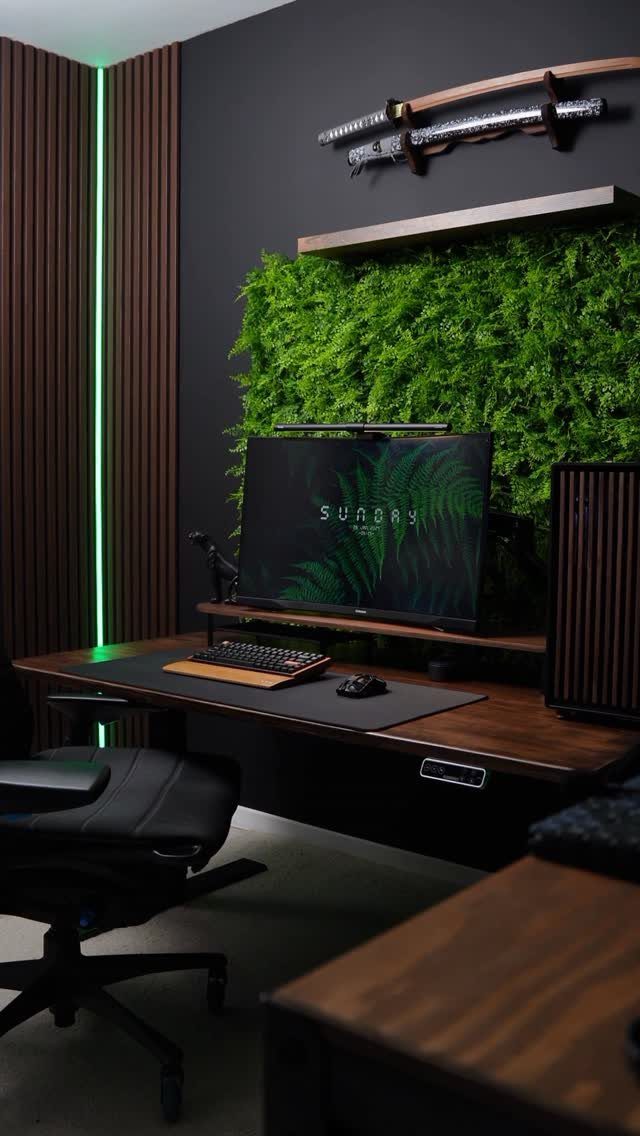
A dark wood desk against an artificial plant wall gives a gaming setup a green backdrop with no watering, no light needs and no mess. That is the reason I’d choose faux over live in a windowless office.
The green also softens the screen glow and looks calm on a video call. Add one accent piece above the desk, like a katana on a wall mount, and stop there so the wall stays the focus.
10. Gaming Controller Wall Mural
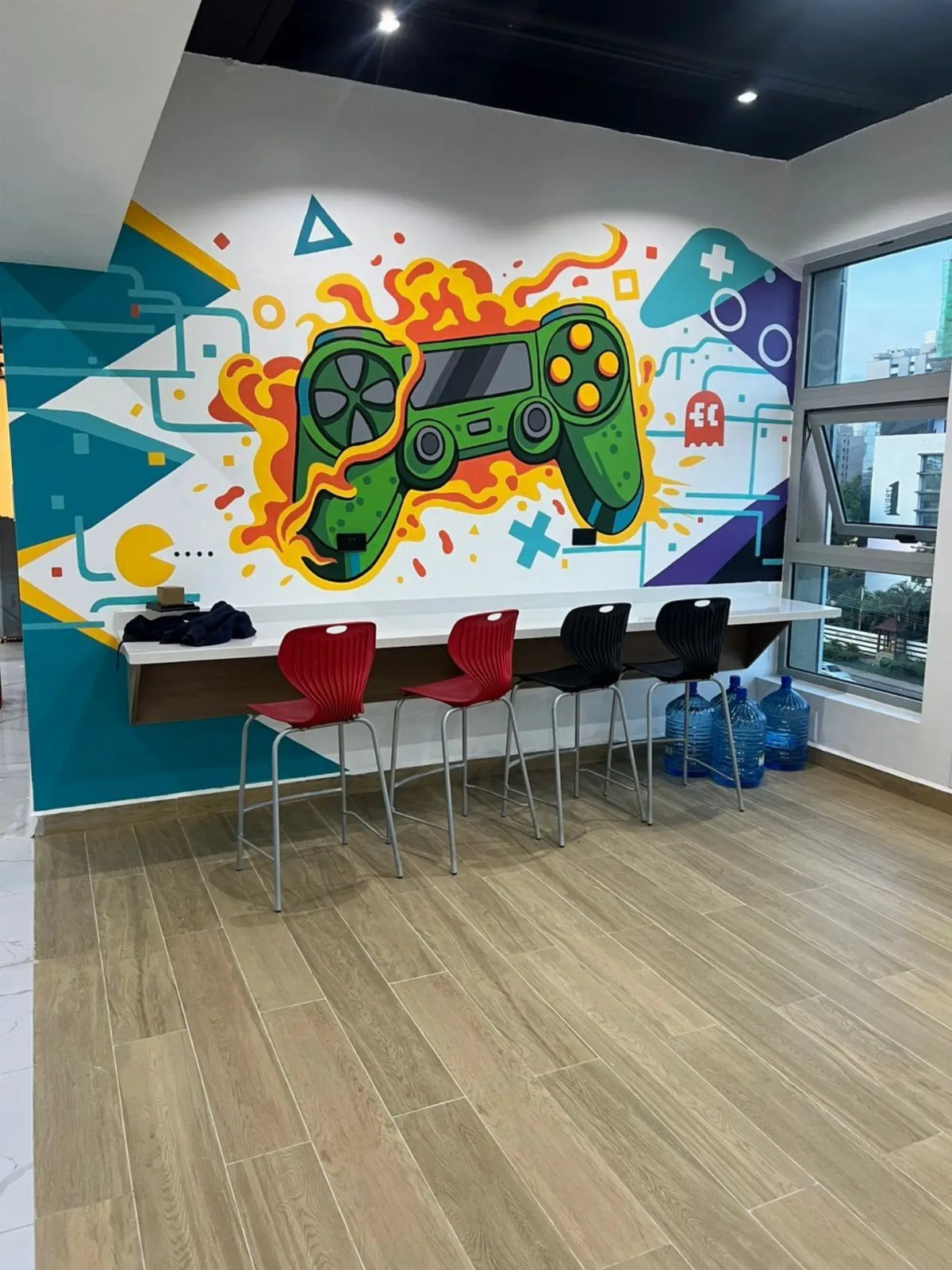
A big controller mural turns a blank wall into the room’s theme, and above a long white desk it tells everyone sitting there that this space is for play as well as work.
Paint is the budget route if you can handle a steady hand and a projector or tape-off grid.
Pick a neutral desk and floor so the mural is the only bold color in the room. A long desk with 4 chairs suits a shared office best.
11. Curved Ultrawide Monitor Setup
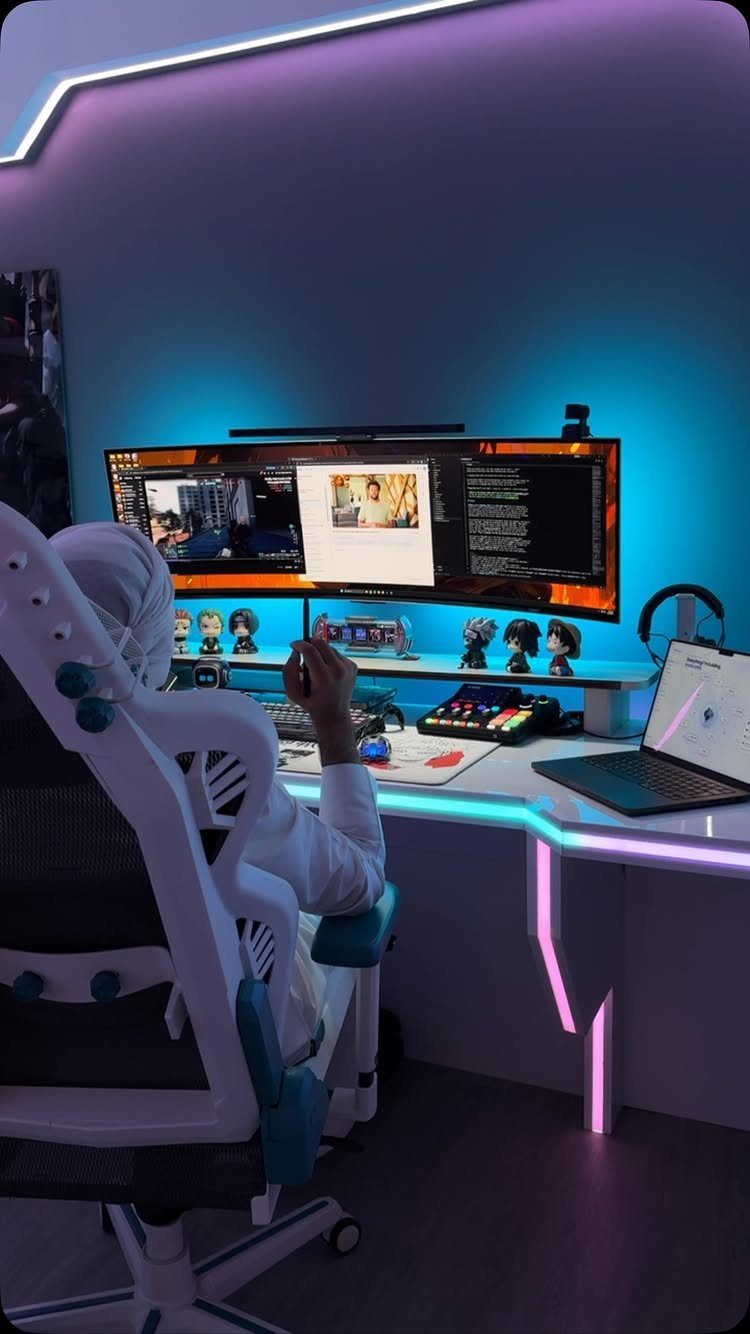
One curved ultrawide monitor replaces a dual-screen setup with a single wide panel, which means fewer cables and no bezel splitting the picture in the middle. That is why I’d pick it for a small desk.
Check the desk width before ordering, and plan the laptop’s spot beside it. Put LED lighting behind the monitor, not above it, so the glow stays off the screen and your eyes get a break.
12. Pegboard Accessory Organizer
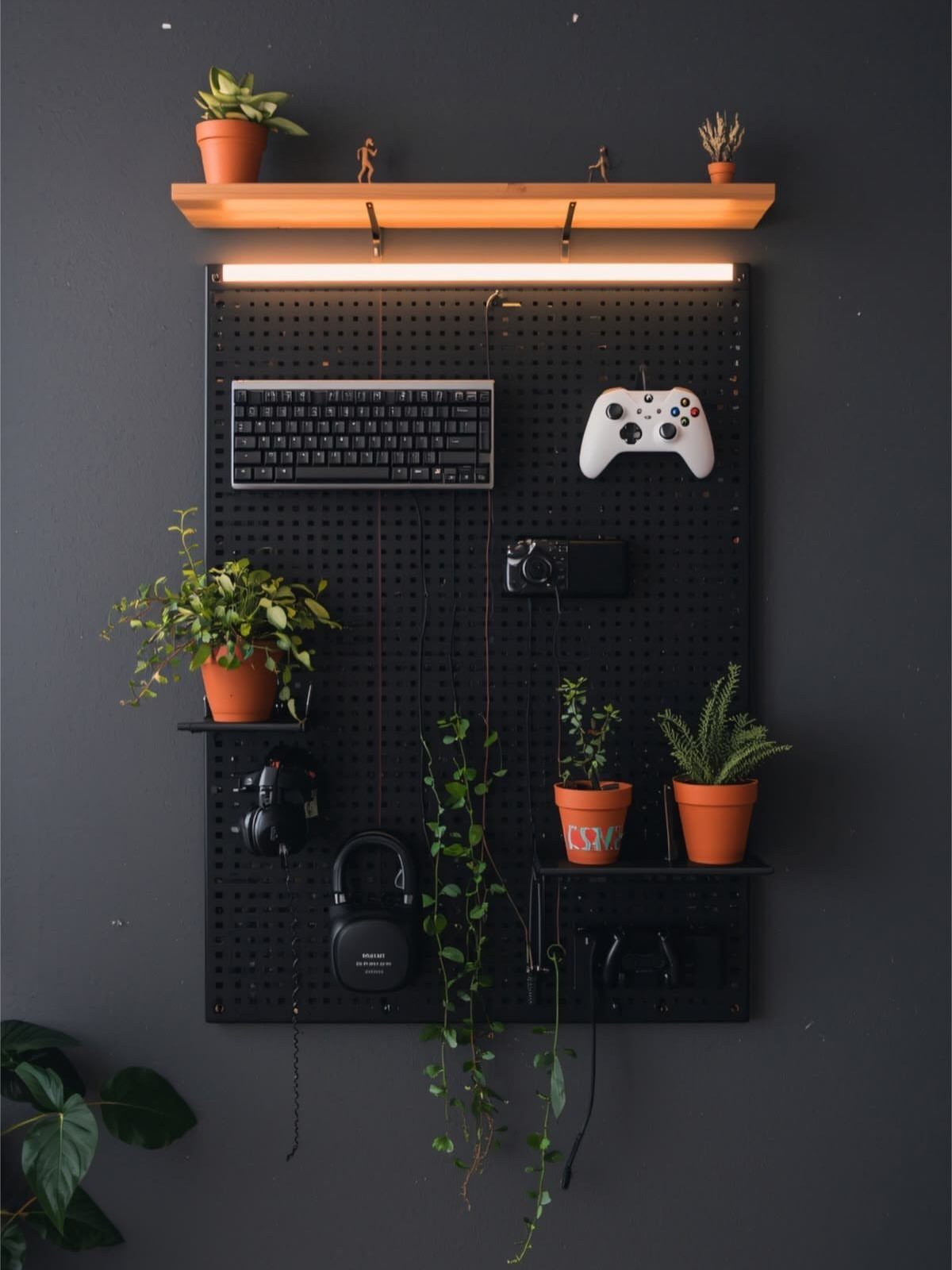
A black pegboard keeps a keyboard, controller and headphones off the desk and on the wall, where they are always one reach away. In a small office, that freed surface is the real win.
Mount it on the wall behind the desk, then add a lit wooden shelf on top and a couple of small potted plants for softness.
Hang the heaviest gear low, and keep to a few hooks so it looks planned rather than crowded.
13. Triple Monitor Setup
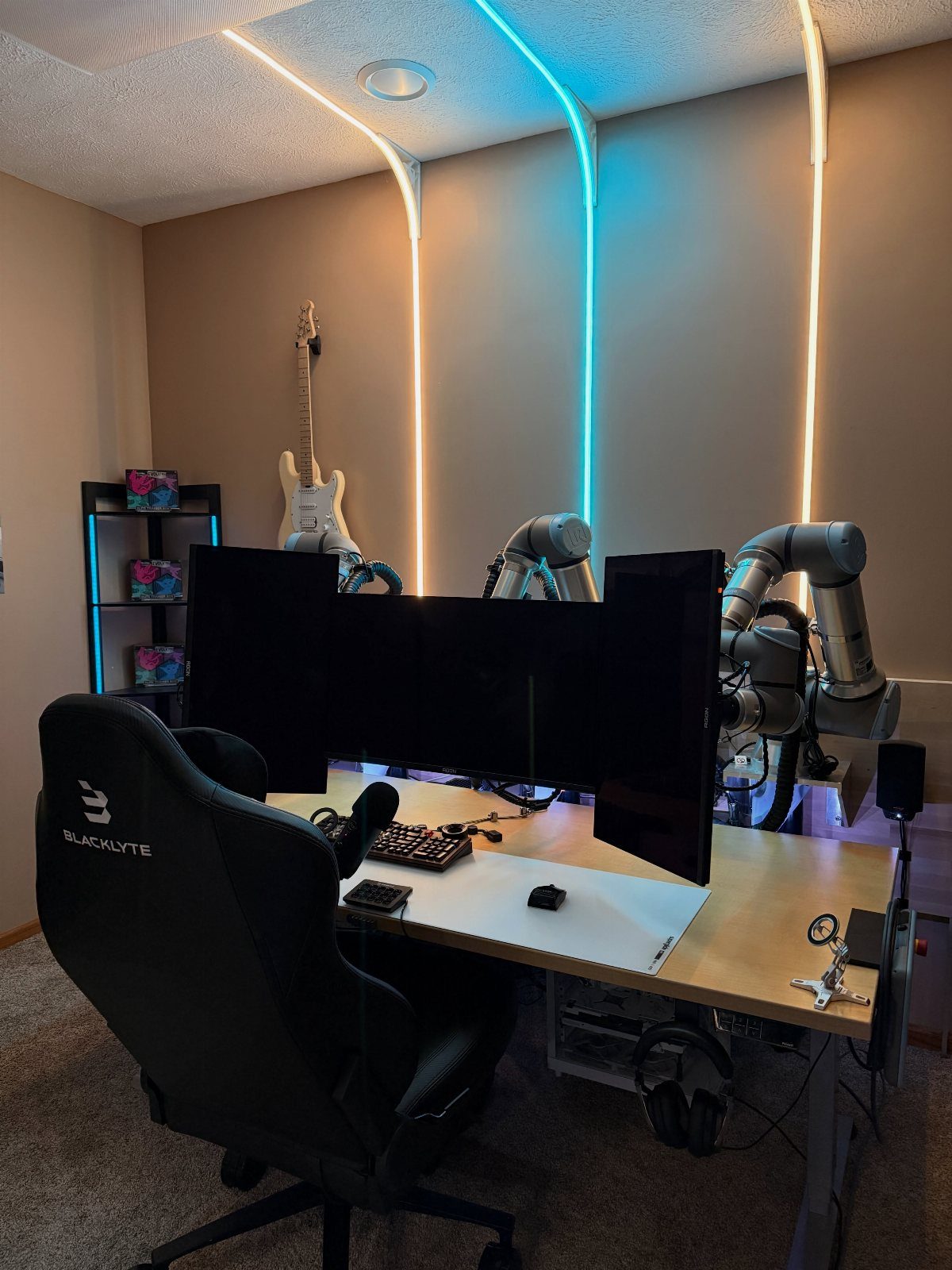
Three monitors side by side turn a desk into a cockpit, and vertical LED strips on the wall either side frame the screens so the whole rig reads as one piece. Blue and white light keeps it cool and tidy.
Measure the desk width before ordering anything, since 3 panels need more room than most office desks give.
I’d keep the wall decor to a guitar or a couple of small figures and let the screens carry the room. Put work spreadsheets on the outer two and the game in the middle.
14. L-Shaped Corner Desk
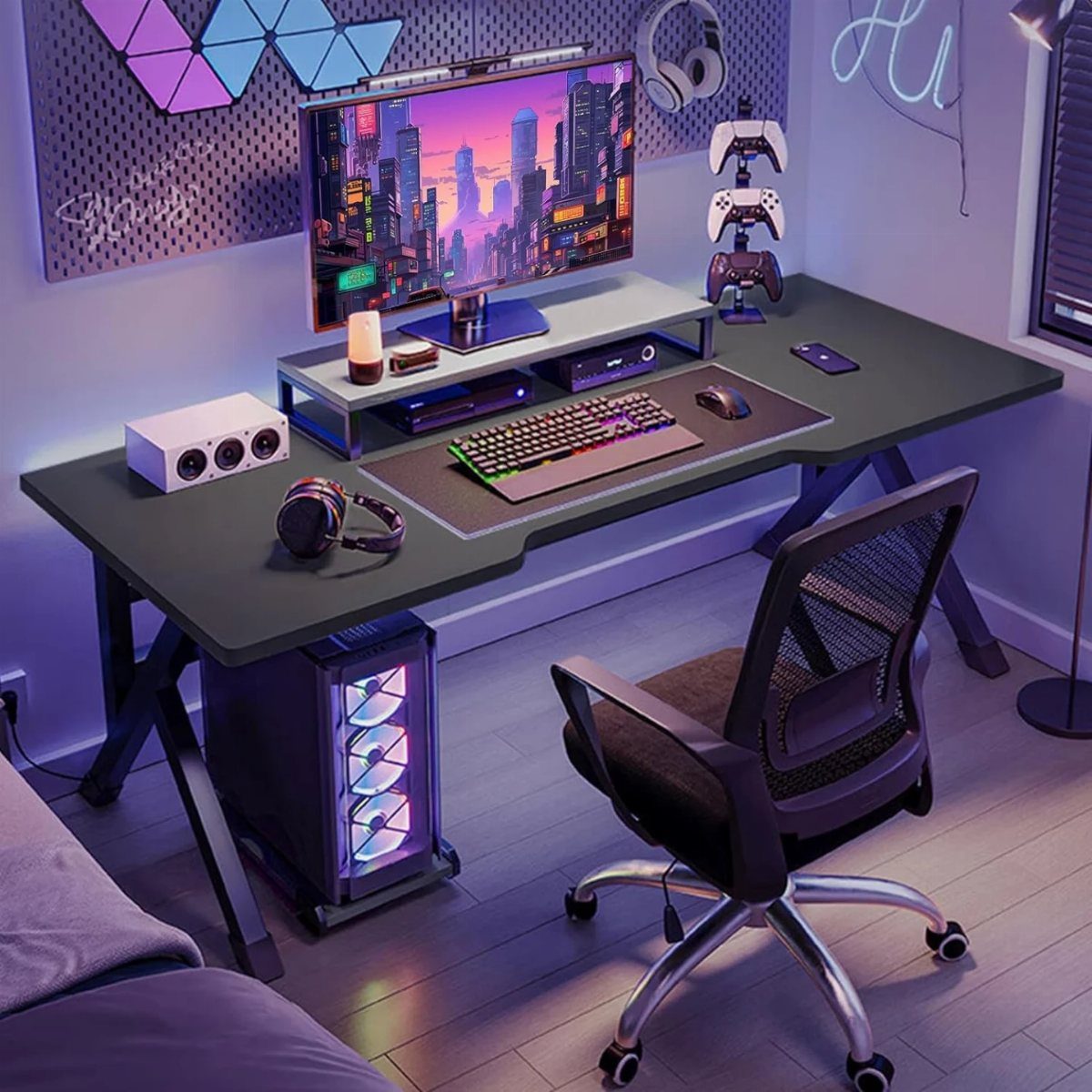
A black L-shaped desk fits into a corner that would otherwise sit empty, and the long return gives the PC tower and a wide monitor their own side.
That is why I’d choose it for a room that has to handle both work and play.
Keep the monitor on the main run and use the second arm for paperwork or a laptop, so work never crowds the game.
Measure both walls first. Purple ambient light behind the desk suits the black finish, and one color is enough.
Cable Management Solutions
Cable sleeves, zip ties and adhesive clips handle most of the job, and they cost very little.
Bundle the cords into one sleeve, then run it along the back edge of the desk with clips so nothing hangs where your legs go.
A surge protector screwed to the underside of the desk, or to the back leg, takes care of most of the mess.
Every plug ends up off the carpet and out of view, and the vacuum has nothing to snag or yank loose.
Tidy cables also last longer, since bent and tangled cords wear out sooner. Wireless peripherals cut the count further, so a wireless mouse or keyboard means fewer wires to hide.
If you buy a new desk, look for one with built-in cable channels. A cable tray under the desktop is a cheap add-on for the one you already own.
Ambient Lighting
Place RGB LED strips behind the monitors or along the back of a shelf. Lighting there gives a soft backlight that doesn’t strain your eyes, because the strip never faces you directly.
Syncing the lights to gameplay is worth trying. An explosion on screen can flash across the room in real time, which makes a game feel bigger.
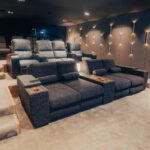
Warm wall sconces and LED light bars are other options if strips feel too much like a dorm room.
Keep the brightness in check. Light that is too harsh or busy pulls attention from the screen, so turn it down until you notice the glow only when you look for it.
Decluttering Tips
Start by removing what doesn’t belong at the desk: old cups, spare cables, boxes you never open. A clean desk makes it easier to focus, whether you are working or playing.
Give every daily item a home. A headphone stand and a controller dock take 2 items off the surface, and drawers or an ottoman with a lid hide the rest.
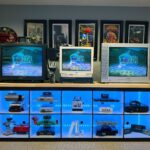
Floating shelves are the best place for favorite gear or collectibles, since they free the desk and keep your display in view. A media cabinet works the same way for games and accessories.
Modular furniture is a current trend, and it lets you rearrange the room as your setup changes without buying everything again.
Frequently Asked Questions
What is needed in a gaming room?
At minimum, a console or PC, a screen, a comfortable chair, storage, lighting and a bit of decor.
Put the biggest share of the budget into the chair, because you’ll be in it for hours: height adjustment, a back that reclines and armrests that move are the features I’d insist on.
Shelves or a media cabinet for games and accessories, cable sleeves and clips, and soft LED lighting round out the room.
What is the ideal room size for a gaming setup?
A small game corner works in about 86–129 square feet, so even a spare bedroom or a big closet-sized nook can hold a desk and a screen.
A desk setup needs far less than that, but bigger gear changes the math. Before you buy any monitors, tape out the desk wall; a 3-screen setup needs a desk around 60–70 inches wide.