The ideas here run from a rug you can swap in a minute to a basement with a simulator rig, and the choice comes down to what you can’t change: a renter’s room favors posters, wall stickers, cushions and plug-in neon, while an owner with a finished basement can plan the space in zones.
Square footage decides the rest, since a small room rewards shelves that float above the desk and smart storage, and a large one can host a whole group.
1. Themed Posters and Wall Stickers
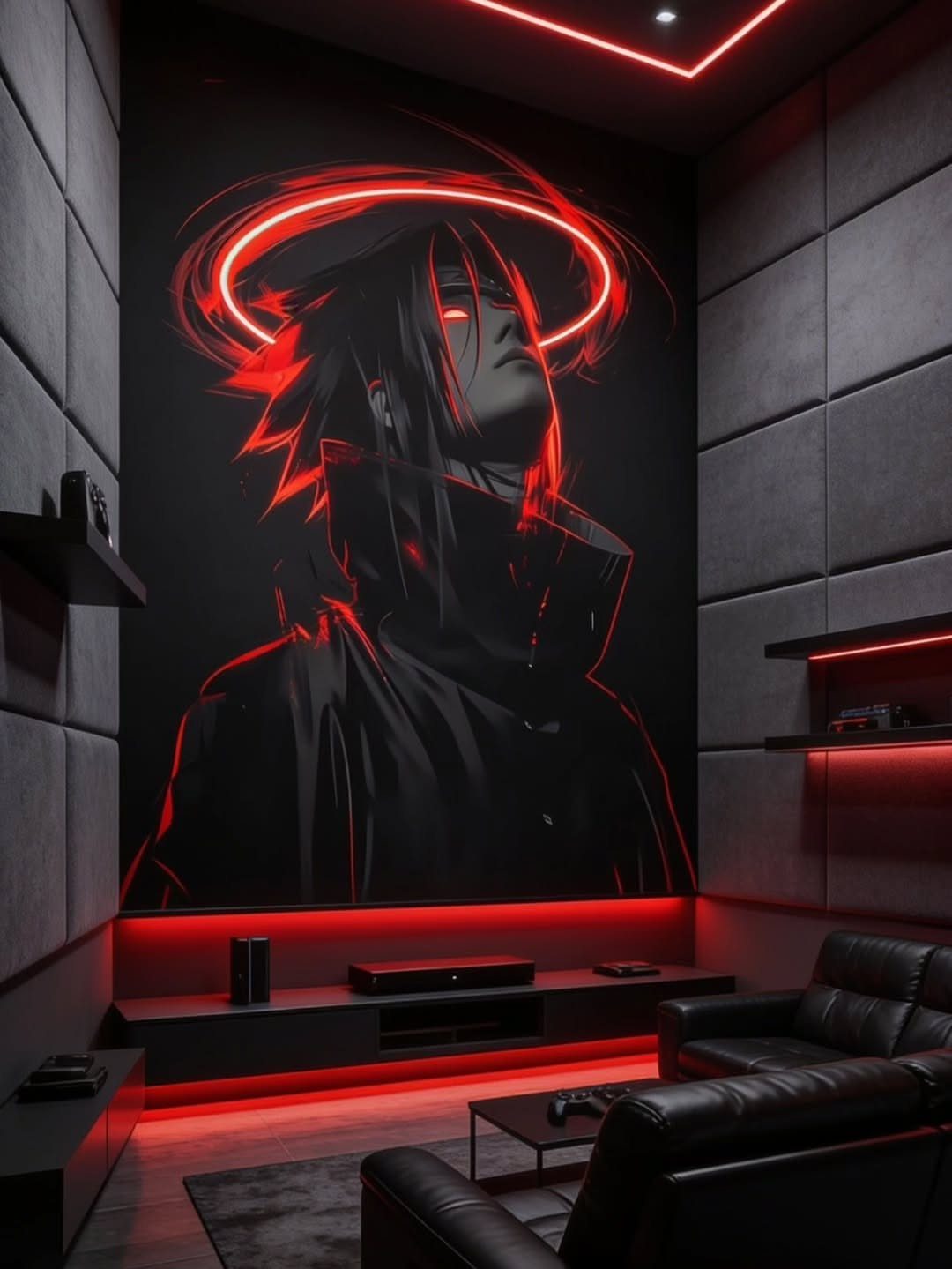
A single oversized wall graphic does more for a dark room than a dozen small prints.
A big anime mural sets the whole theme in one move, and a strip of red LED light along the wall keeps all that color from swallowing the room.
Pick one wall, the one you face while playing, and let the artwork fill it.
Stickers suit renters, since they come off easier than paint. Then match your light color to the dominant color in the art.
2. Floating Shelves
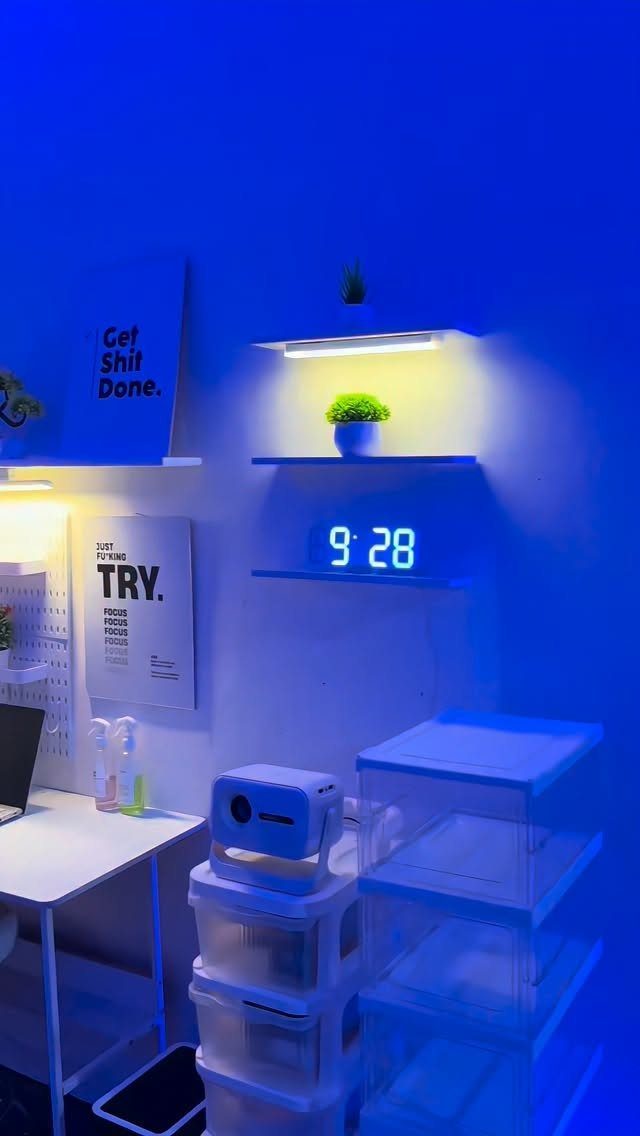
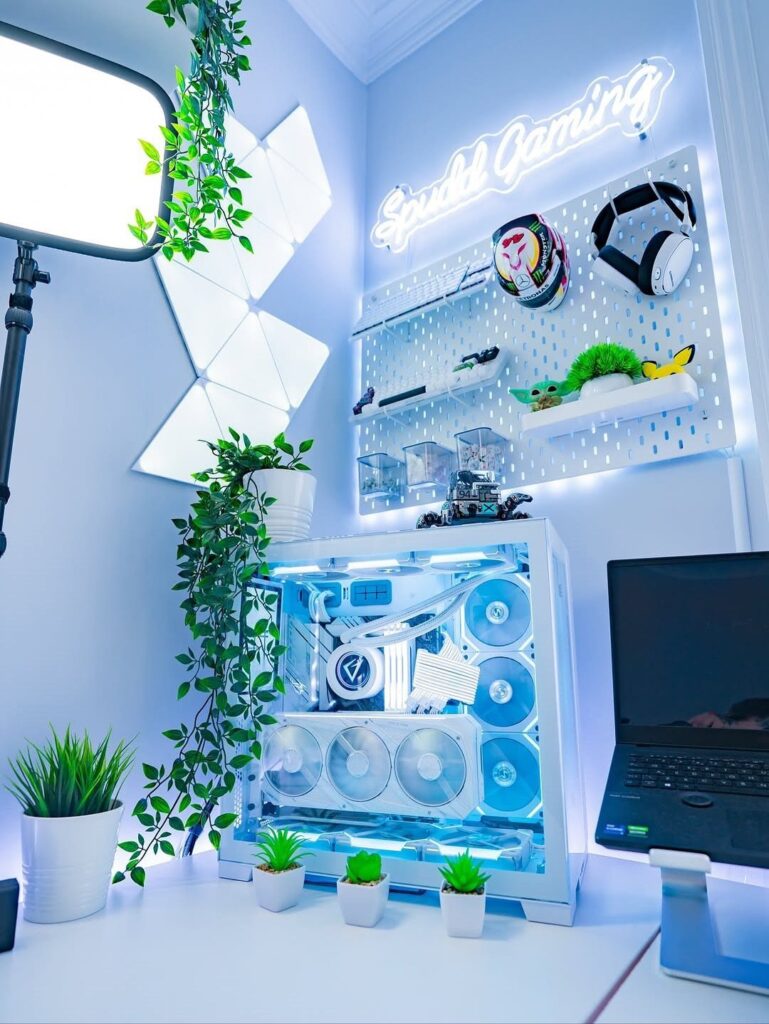
Shelves above eye level free up the floor, and that matters most in a small room. White floating shelves keep a blue-lit room from feeling closed in, and a plant or a small clock on top softens all that tech.
I would keep the heavy items low and use the shelves for light things: plants, small collectibles, a clock. Bins on the floor below hide the clutter you can’t display.
3. Vintage Arcade Corner
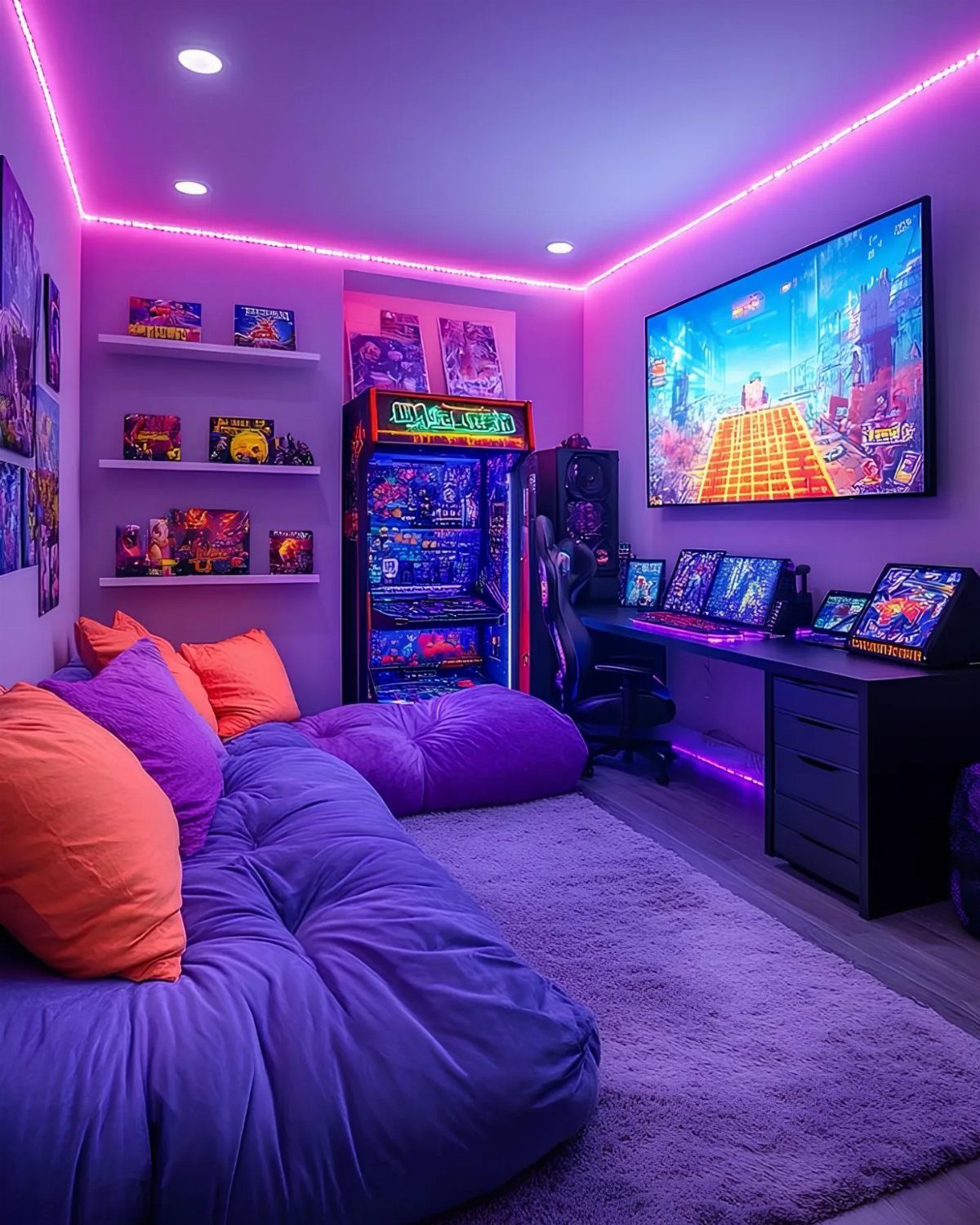
An arcade cabinet gives a room a focal point that no poster can match.
A single machine, a few shelves of game boxes and a beanbag are enough to make a corner feel like a hangout instead of a desk setup.
Leave the cabinet’s screen as the star and keep other lighting dim, since purple glow flatters the marquee. Boxes on open shelves do double duty as decor and storage.
4. Themed Cushions and Rugs
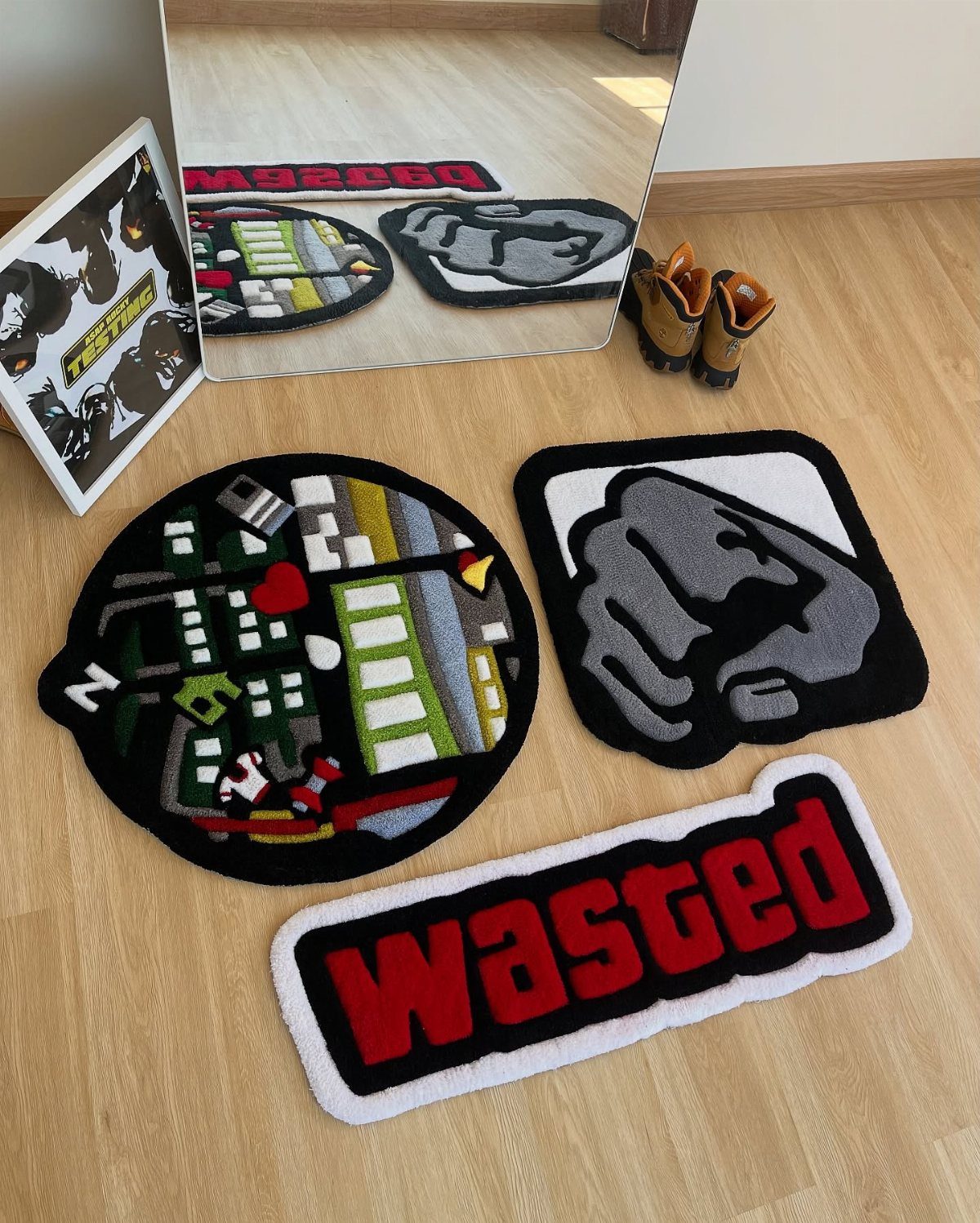
Rugs are the cheapest way to hang a theme on a room, because you can swap them without touching a wall.
A round city scene, a grey fist or a bold word like "Wasted" each pushes the room toward a different mood.
I would choose one statement rug for under the chair or sofa and keep the other colors calm. Cushions can repeat one color from it.
5. Soundproofing
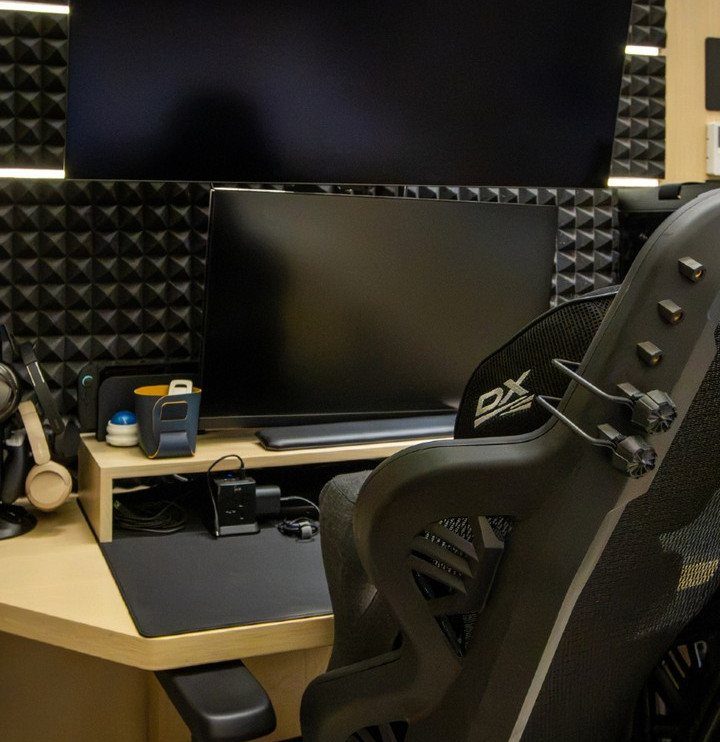
Pyramid-shaped foam panels behind the monitors are the classic budget move for taming a noisy room. Black foam also blends into a dark setup, so it hides in plain sight.
Mount the panels on the wall behind your monitors first, where reflected sound hits you most directly.
Foam mostly softens echo inside the room, so don’t expect it to silence a roommate next door. Add more panels only if the room still sounds hollow.
6. Mini Fridge
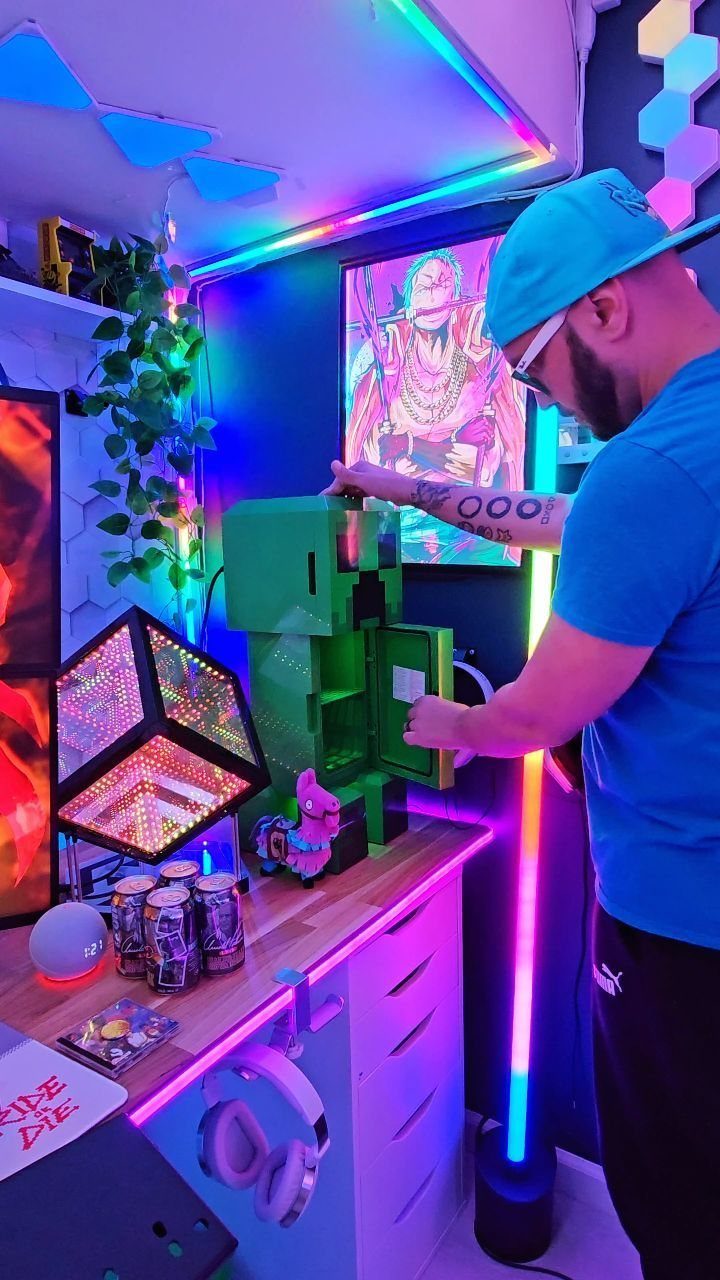
A mini fridge next to the desk keeps you in the game through a long session, with no kitchen trips for drinks. A themed one, like a green block-style design, doubles as decor.
Place it within arm’s reach of the seat but away from the cable bundle.
Check that the door swings clear of the chair. Stock it with drinks and a few grab-and-go snacks, and it becomes the best small upgrade in the room.
7. Neon Signs
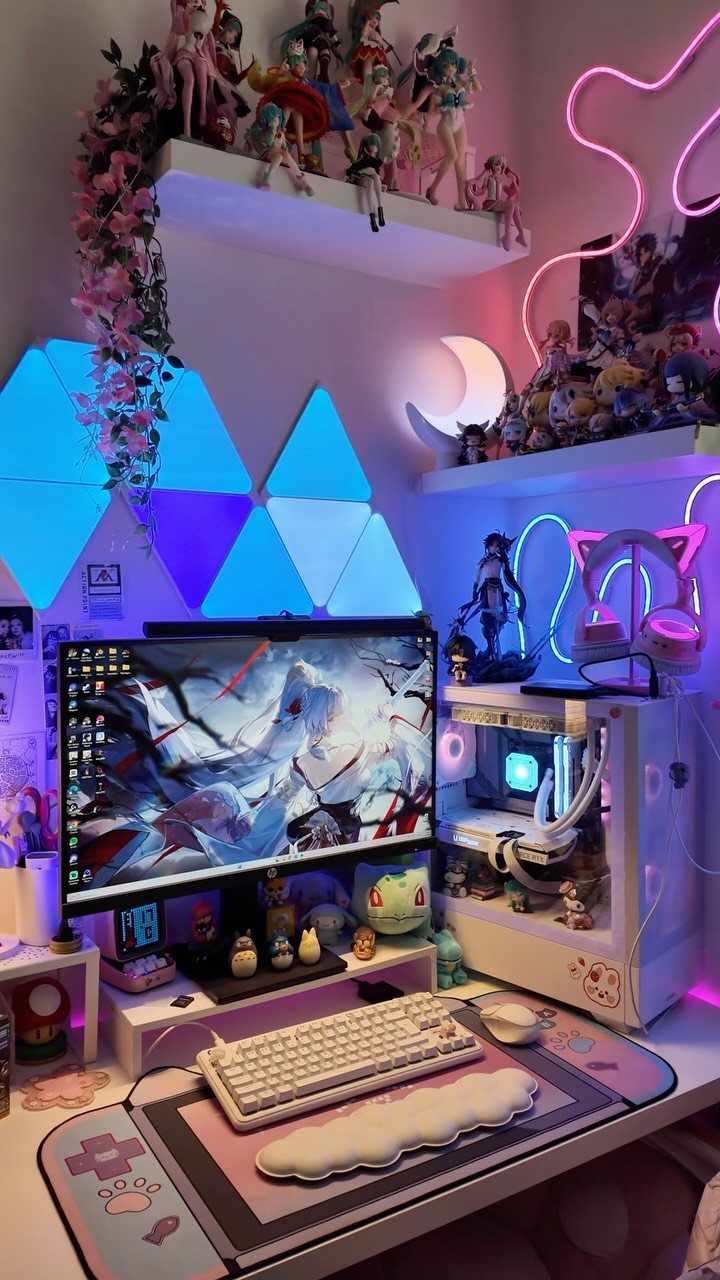
Pink neon against blue triangular wall lights is a pairing I like, because the 2 colors sit far enough apart to read as deliberate. A sign over or beside the monitor adds a personal touch that stock lighting can’t.
Pick a word, symbol or shape that means something to you, then mount it where it frames the desk without glaring into the screen. Keep the sign to one or two colors so the figures and peripherals stay the focus.
8. Professional Streaming Setup
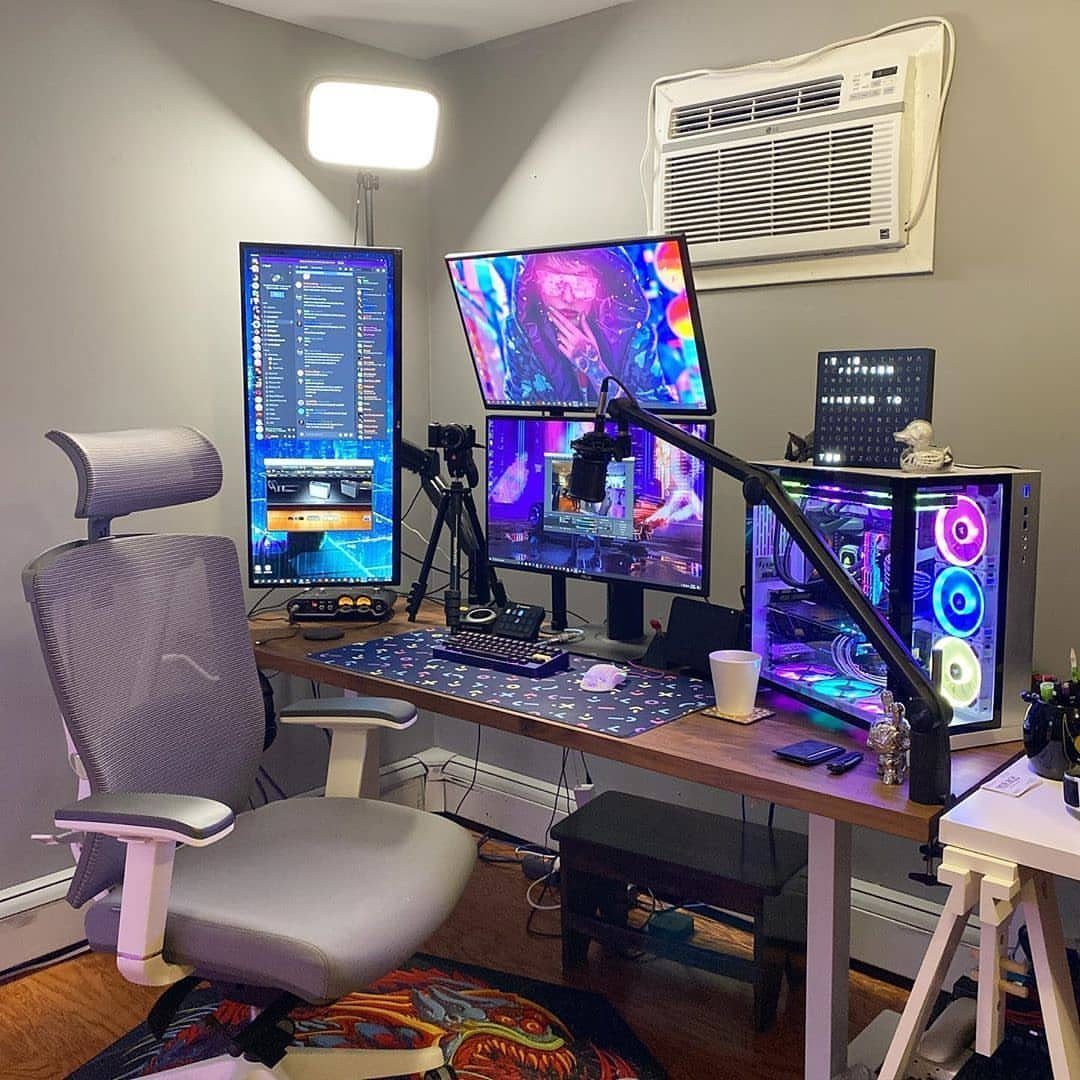
3 monitors, a boom-arm microphone and a tripod turn a desk into a working streaming station. For a small room, I would start with the microphone arm, since it clears desk space and keeps the mic close to your mouth.
Add screens and camera gear one piece at a time, because that spreads the cost. An ergonomic chair belongs on the list early, as long sessions punish a bad seat.
9. Minimalistic Gaming Bedroom
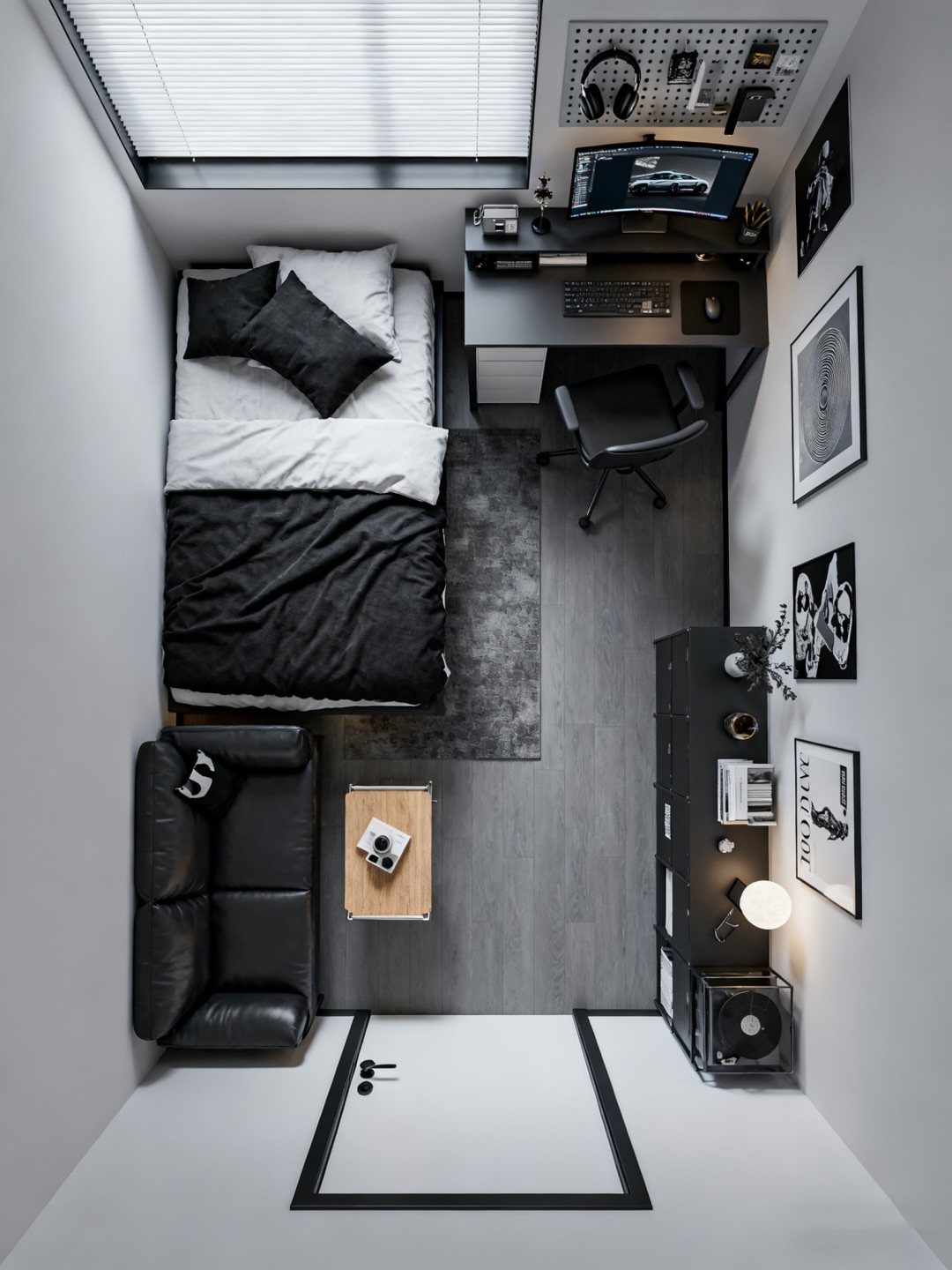
Black bedding, a black leather sofa and black-and-white art prove a gaming room can look calm. Restraint is the whole look here: one desk, one pegboard, and nothing glowing.
I like the pegboard most, because it holds headset, controllers and cables on the wall and keeps the desk clear.
Stick to 2 colors, and let the art be the only thing that changes the mood. A plain room like this also suits renters, since nothing in it is permanent.
10. DIY Cloud Ceiling
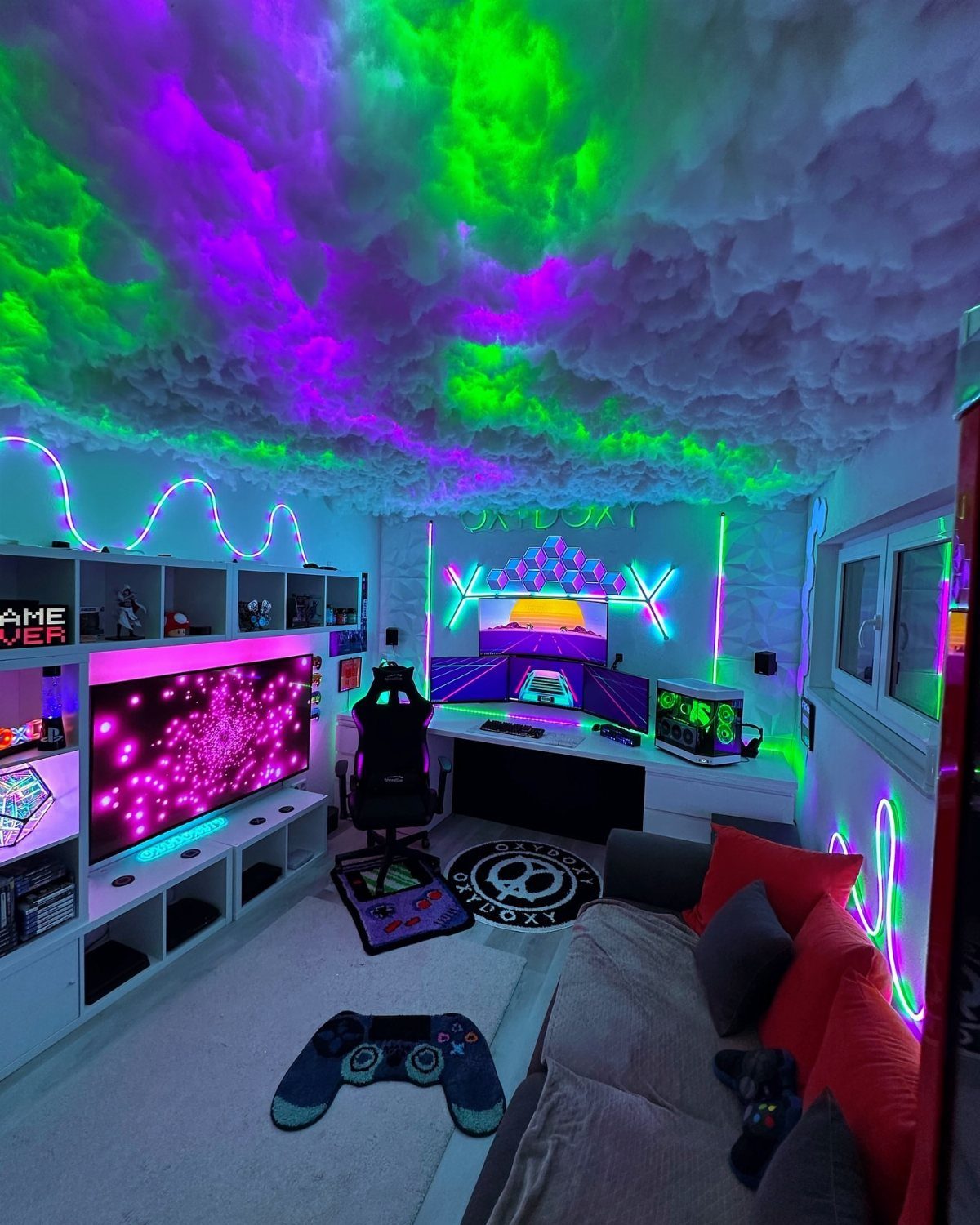
A cloud ceiling with RGB lights tucked inside gives a room a soft glow that overhead fixtures can’t match. The fluffy fill hides the light source, so color washes across the ceiling instead of hitting your eyes.
For a DIY version, I would build it on a lightweight frame, spread the fill evenly, and place the LEDs behind it.
Choose a color that suits the neon on the walls, then dim it during play so it doesn’t compete with the monitors.
11. Hexagonal LED Wall Panels
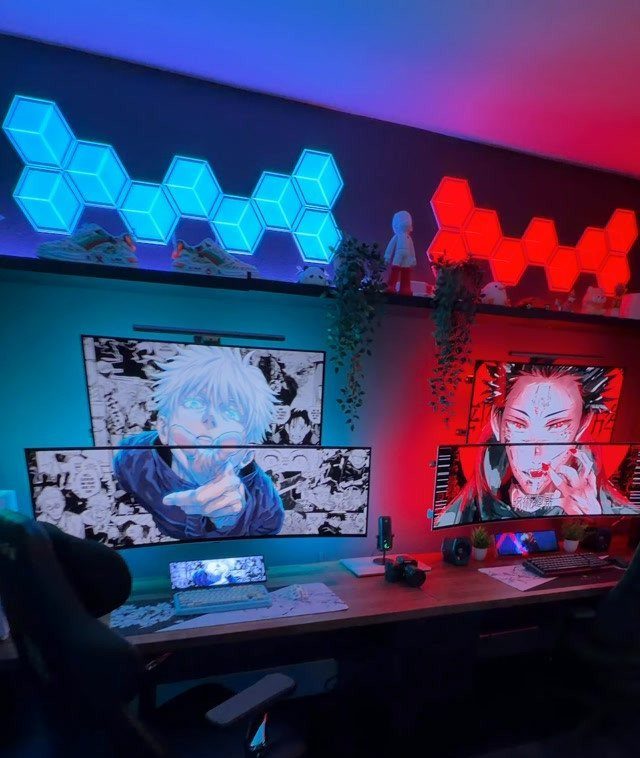
Hexagonal LED panels let you design the wall lighting yourself, piece by piece. Blue and red panels beside a pair of monitors give a desk its own glow and a bit of depth behind the screens.
Lay the pattern out on the floor first, then copy it onto the wall, so the shape looks planned rather than scattered.
Start with a small cluster and add panels later, since the layout can keep growing. Keep the colors to two so the wall doesn’t get busy.
12. Gaming Basement with Simulator
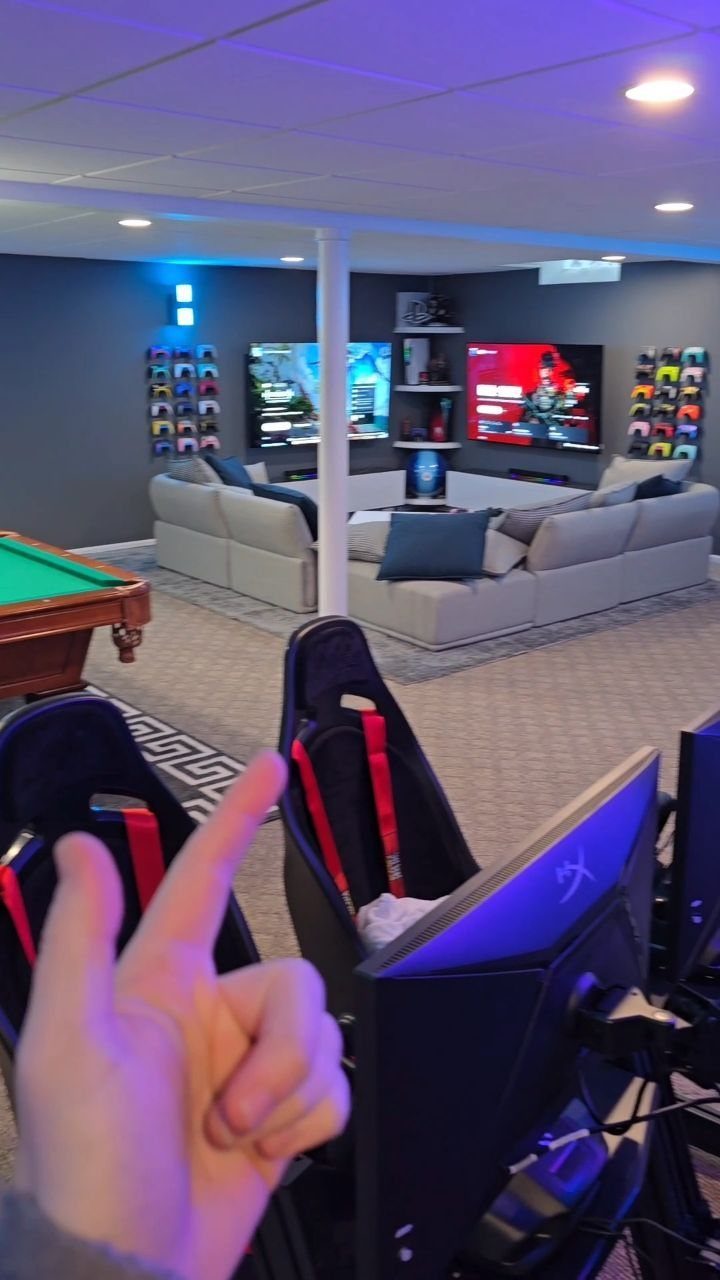
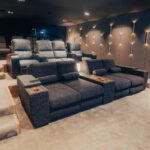
A basement with room for racing simulator seats, a pool table and a big sectional can host a whole group.
Splitting it into zones keeps it from feeling like one crowded space: simulators and screens in one, the lounge with two TVs in another.
I would put the simulators on the screen side and the sofa facing away from the pool table, so spectators can watch without blocking a shot. Leave clear floor around each cockpit so players can get in and out.
Choosing the Right Gaming Chair
Lumbar support decides whether a chair holds up through a long session, so test that before anything else.
Adjustable height and armrests come next, because a chair that can’t match your desk height will strain your shoulders no matter how good it looks. Breathable fabric or mesh keeps you from overheating, which leather-style covers tend to do.
Brands like Herman Miller and AKRacing make well-regarded options, though a price tag doesn’t replace a proper fit. Sit in one if you can, and check that your feet rest flat on the floor.
A desk needs a solid frame, enough surface for a monitor and keyboard, and a way to route cables, or the chair upgrade gets wasted. IKEA, AmazonBasics and Vertagear all sell desks along those lines.
In a small room, a smaller chair is fine. Console players can skip the big chair entirely and go with a bean bag or low sofa.
Maximizing Small Spaces
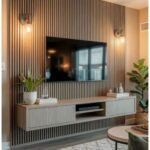
In a small room, furniture that does 2 jobs wins. A media unit with a usable top surface and deep drawers underneath holds the TV and swallows controllers, cables and spare headsets.
A big mirror on the wall uses no floor space and pushes light across the room, so a tight space reads larger. It’s the cheapest trick here, and it works in a rental.
Keep the furniture compact. For console play, a compact sofa or a bean bag couch does the job, and a smaller seat costs you very little comfort.
The floor space you save can go toward a bigger TV or monitor, which adds more immersion than an oversized seat ever will. I’d pick the bigger screen every time.
Creating a Gaming Atmosphere
Comfortable seating sets the mood faster than any decor.
Warm light helps too. Table lamps and string lights soften a room that’s otherwise all screens, and they’re easy to plug in and move.
Give your physical games a home of their own, whether that’s board games, card games or tabletop RPGs. Open shelving also lets you display consoles and controllers instead of stacking them in a drawer.
For sound, acoustic panels or heavy soundproofing curtains cut echo and keep noise from reaching the rest of the house. A good headset or speakers matter just as much, since clear effects and dialogue make a game feel more real.
Blankets and pillows with a gaming theme come last, once the seating and layout are settled. They’re cheap and easy to swap.
Movement Space: For retro and party gaming setups, ensure ample room for movement and socializing, aiming for at least 12×12 feet.
— BenQ