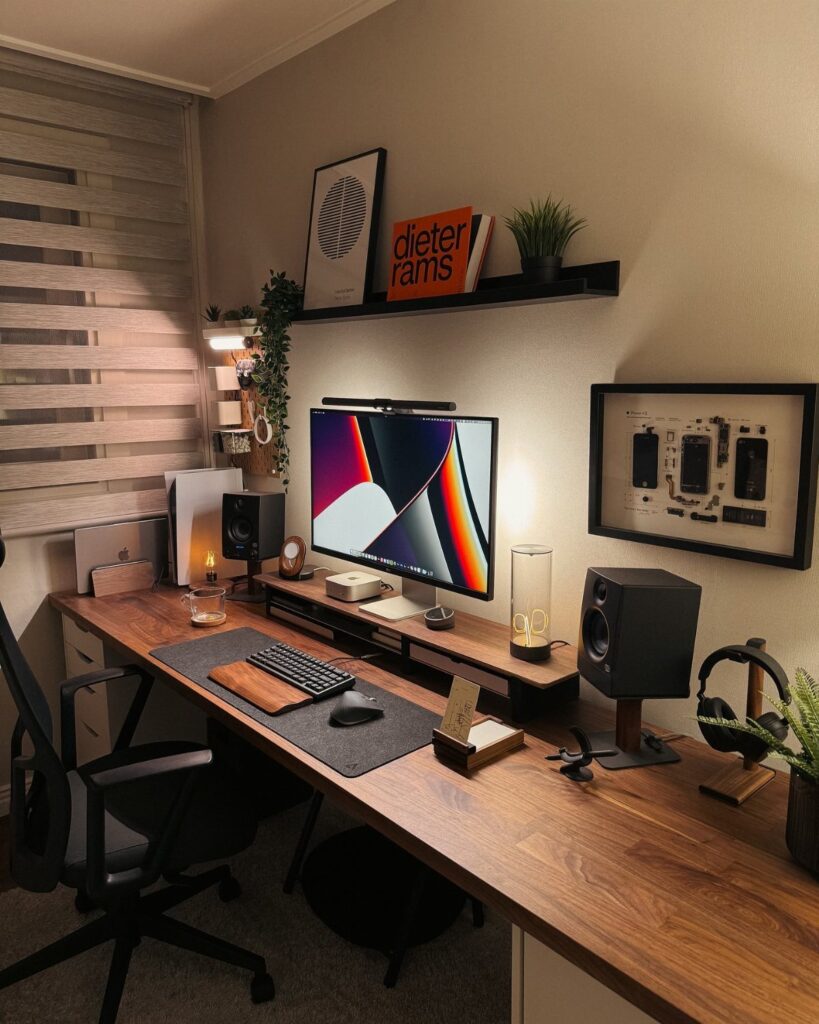
Ideas here run from a clamp-on power strip and a footrest to black-framed glass sliding doors and built-in illuminated shelving, so the price and effort swing a long way.
Renters and owners will land on different picks here: a renter can get the Exposed Brick Accent Wall look from peel-and-stick panels, while an owner can justify the framing, wiring and labor that Built-in Illuminated Shelving calls for.
Put the first dollars into a good chair, found under Comfortable Chair, and the right technology, since you touch both every hour you work.
1. Modern Desks
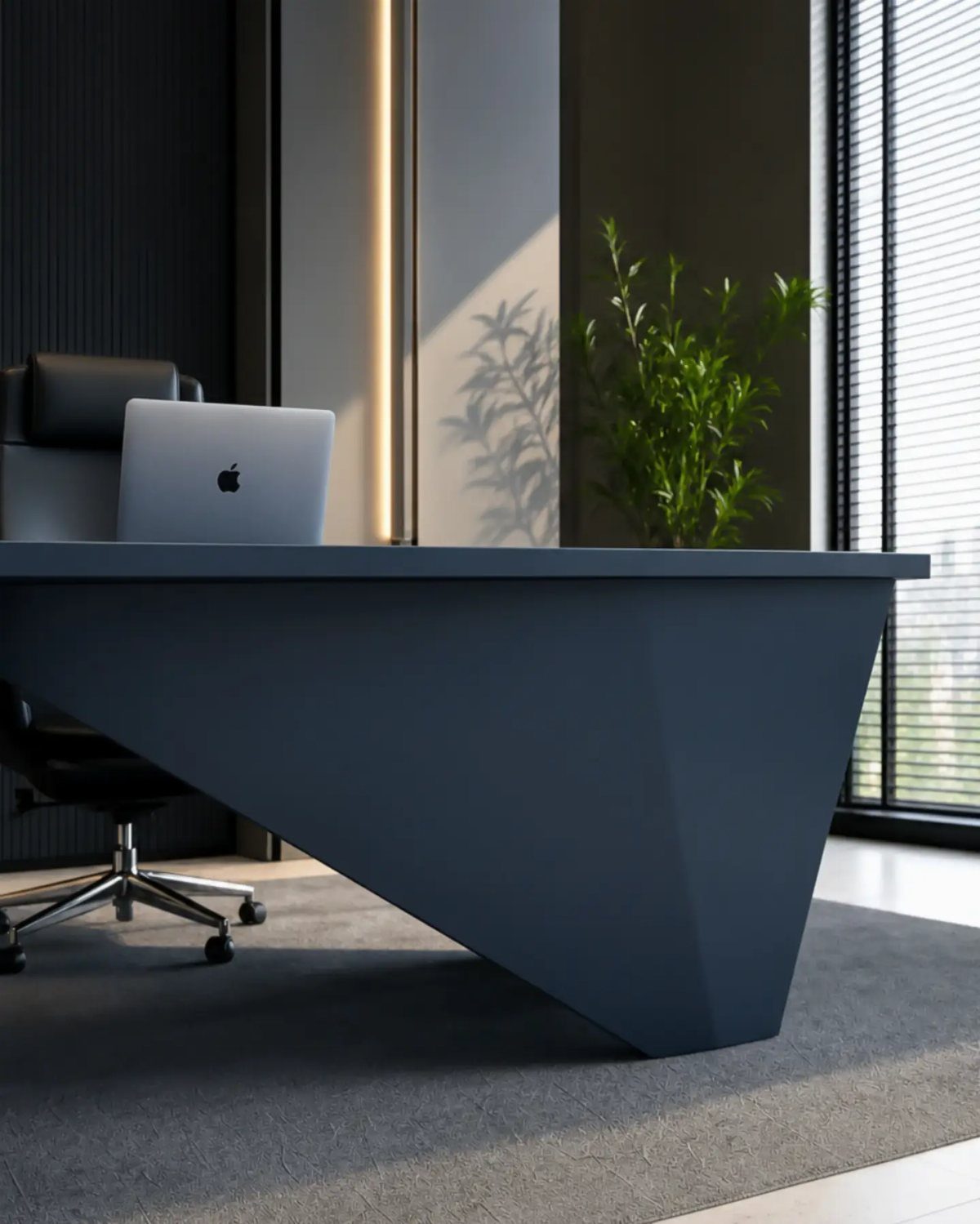
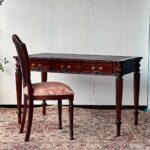
A desk with a strong geometric base does more for a compact office than any wall decor, because it becomes the one piece people look at first.
Angular legs also leave the floor visible underneath, which makes a tight room feel less crowded. Measure your wall before you buy, since bold shapes often take more floor area than a plain rectangle.
2. Desk Accessories
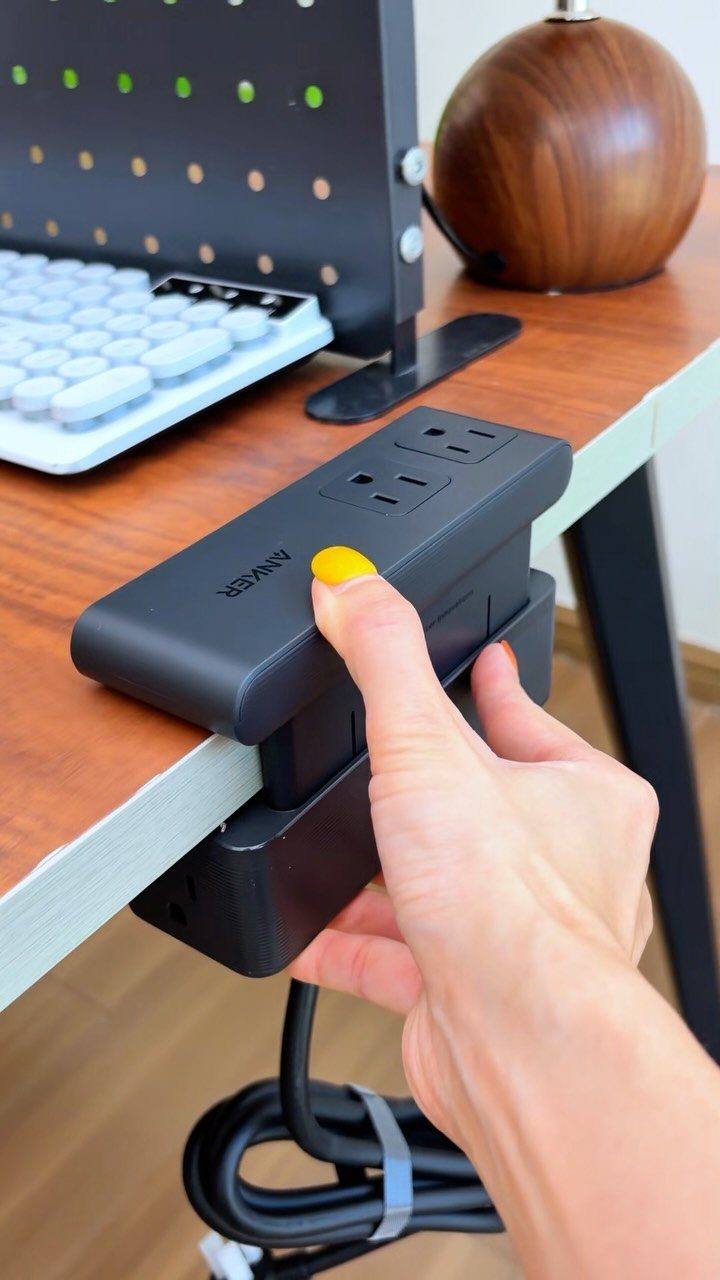
A clamp-on power strip is the accessory I would buy before anything decorative. It grips the desk edge, so chargers and cables stay within reach instead of dangling to a wall outlet behind the furniture.
Check that your desktop is thin enough for the clamp to close, and that the strip sits where the cord can drop straight down.
A wooden desk like this one takes the clamp well. Add a keyboard you actually like and stop there; more gadgets just crowd the surface.
3. Desk Lamps
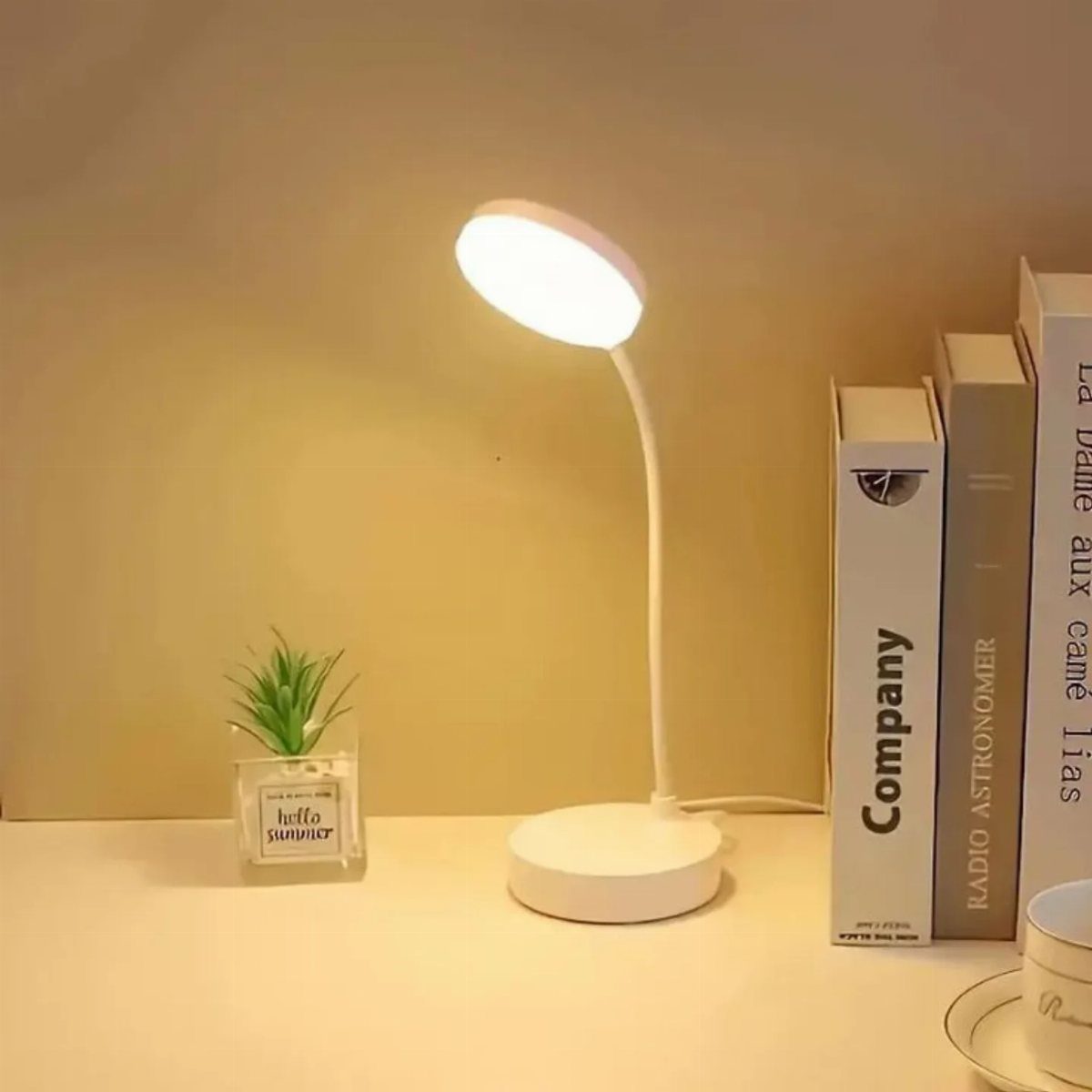
Light from above is rarely enough for reading or screen work, and a small task lamp fixes that for very little money.
A slim white model like this one disappears against a white desk and still throws light exactly where the papers sit.
Place it on the side opposite your writing hand so your shadow stays off the page. Choose an adjustable arm if you can, because a fixed head ends up aimed wrong when you change tasks.
4. Personalize the Space
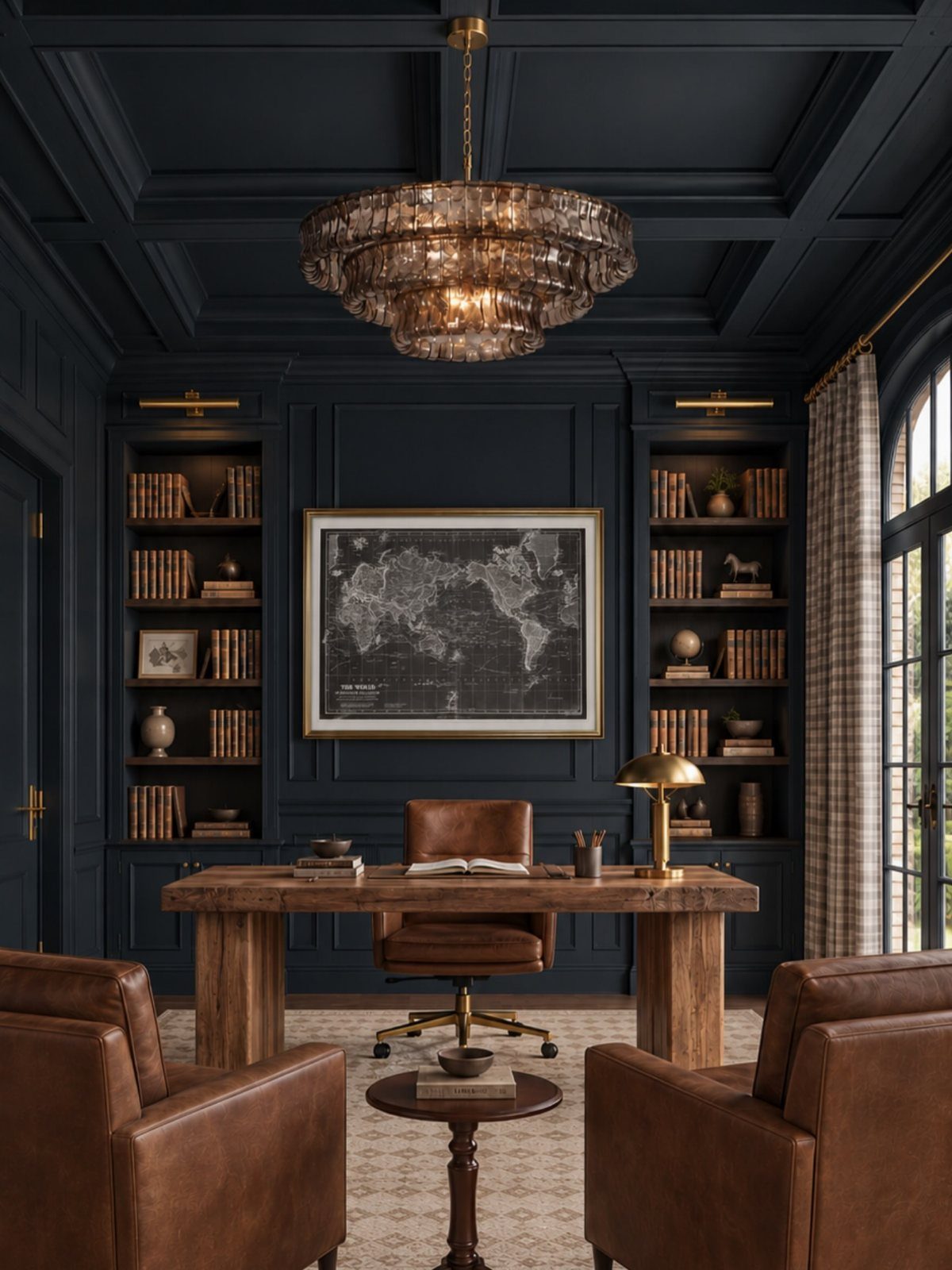
Paint is the cheapest personal statement a home office can make, and a deep navy wall gives books, a map and leather seating something rich to sit against.
Then fill shelves with things you picked up yourself, not matching decor bought in a set.
Mix books with a few objects per shelf and leave gaps, so it reads as lived in rather than stuffed. Renters can get the same mood with a large map and a couple of framed pieces.
5. Comfortable Chair
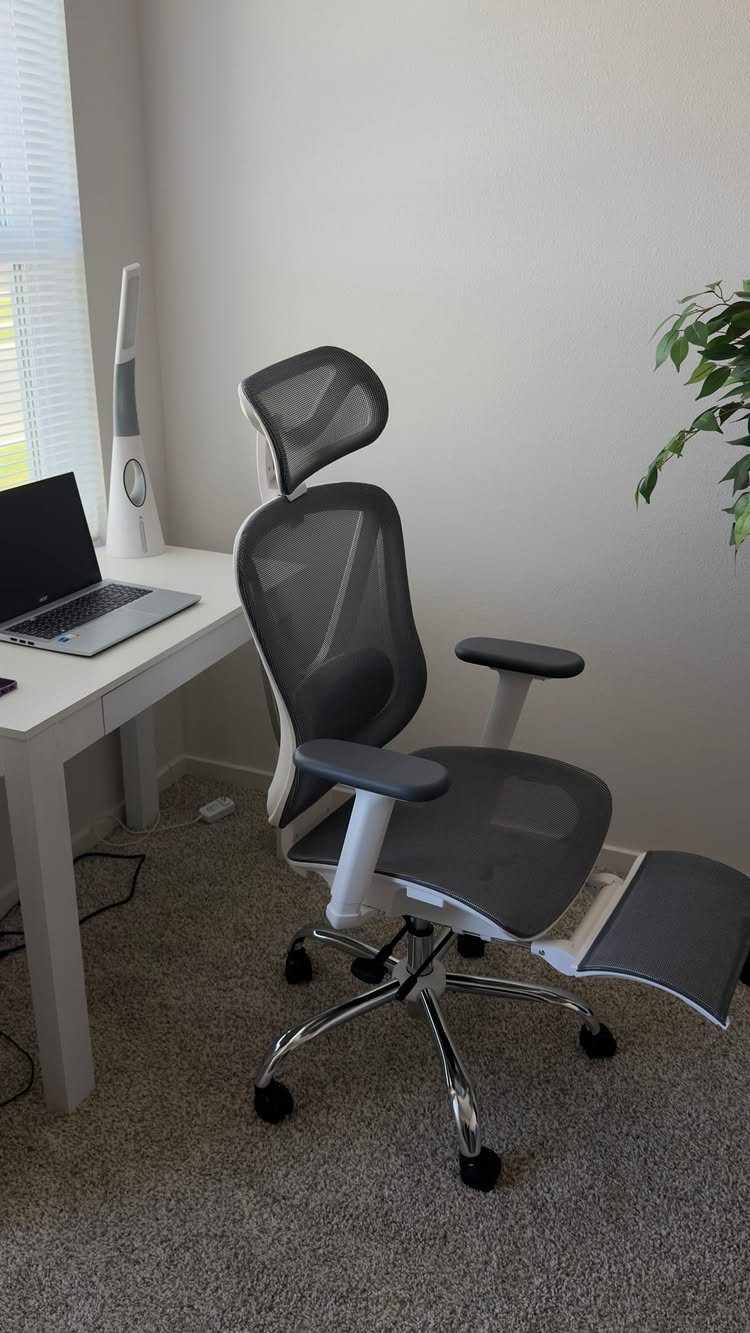
Spend more on the chair than on the desk. A mesh seat with a headrest and a footrest lets you shift positions through a long workday instead of locking into one.
Sit in it before buying if you can, and check that the seat height lets your feet rest flat and your lower back meets the support.
Mesh stays cooler than padded vinyl, though cheap versions sag over time. A good chair is worth waiting a paycheck for.
6. Desk Near a Window
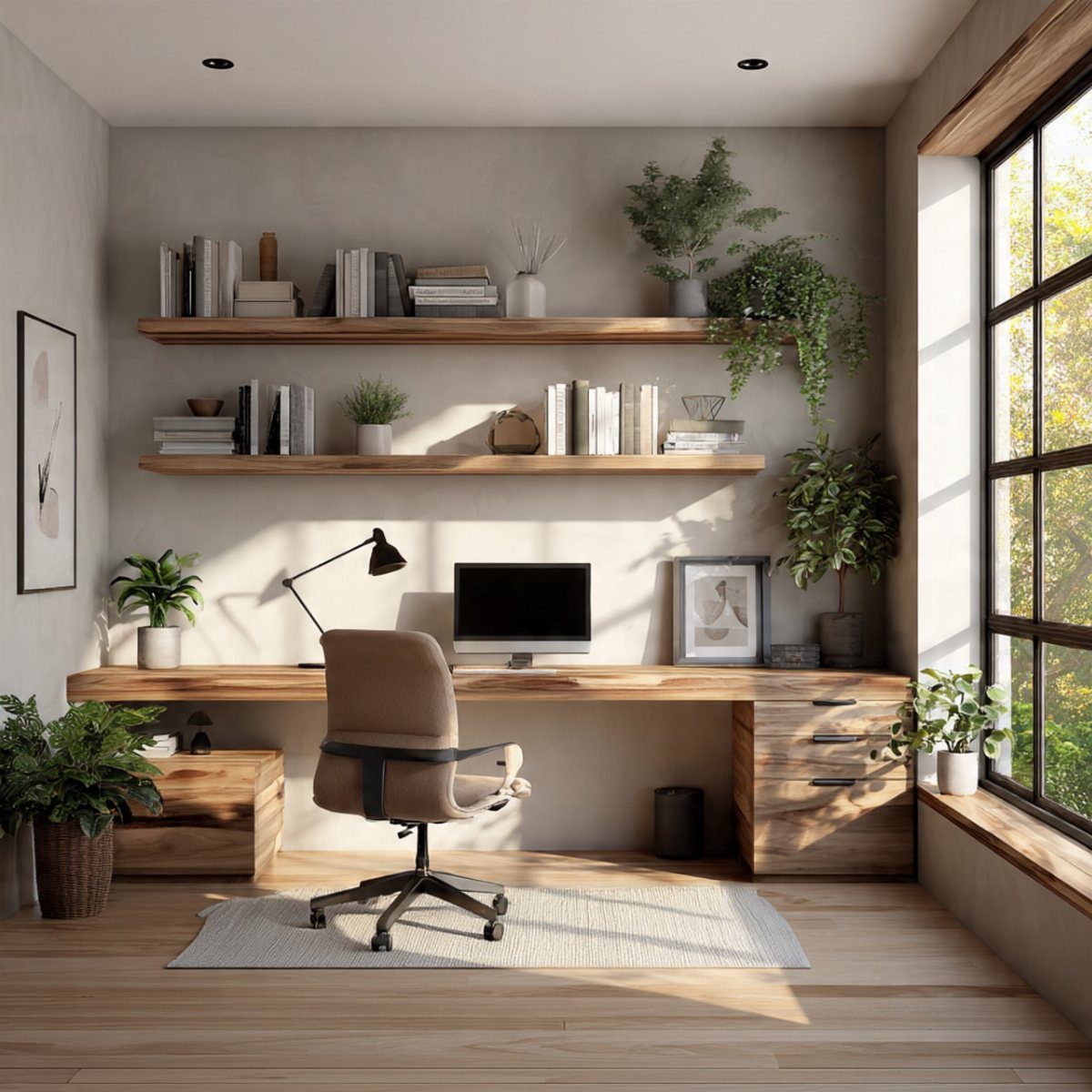
Daylight beats any lamp, so if one wall has a window, put the desk beside it.
A long wooden top running along the glass, as here, gives you room for a computer and a view of trees to rest your eyes on between tasks.
Turn the desk so the window sits to your side, not behind the screen, or glare will wash out the display.
7. Reduce Clutter
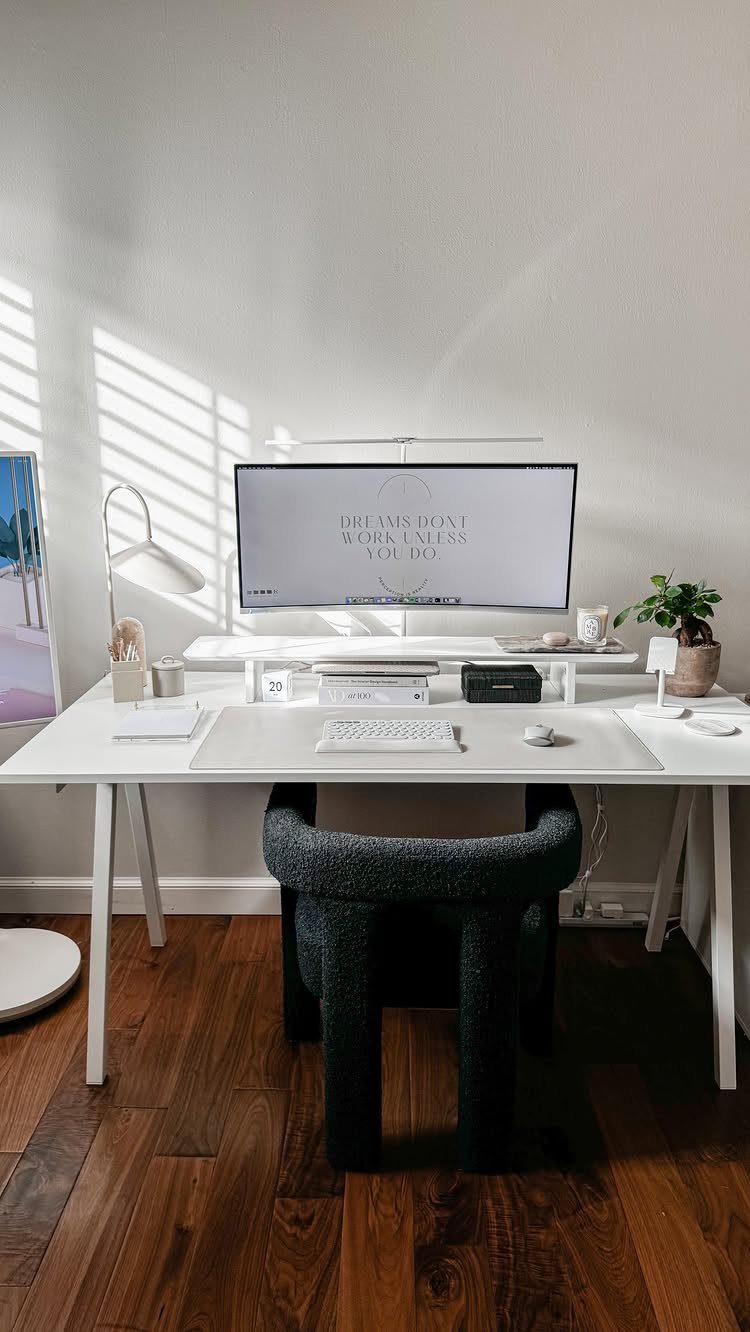
A bare white desktop with only a monitor, keyboard and mouse on it shows how much calmer a room feels when surfaces stay open. The motivational line on the screen is about all the decoration it needs.
Give every item a home outside the work zone, and clear the desk at the end of each day so you start fresh in the morning. Fewer things in view means fewer things pulling at your attention.
8. Quality Speakers
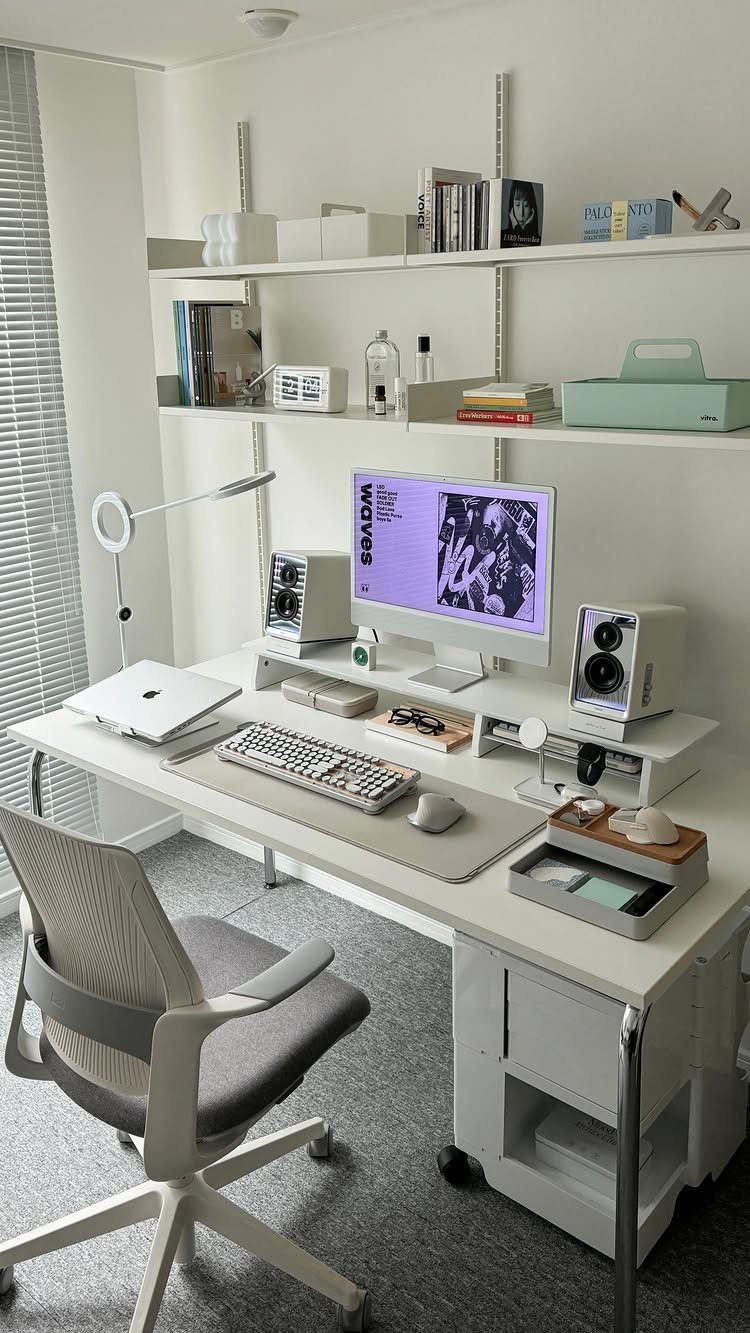
Small desktop speakers beat laptop audio by a wide margin, and a compact white pair takes up almost no room beside a monitor.
Set them at ear height, one on each side of the screen, so the sound reaches you evenly. Low-volume background music suits focused work better than anything with lyrics you will follow.
9. Add a Rug
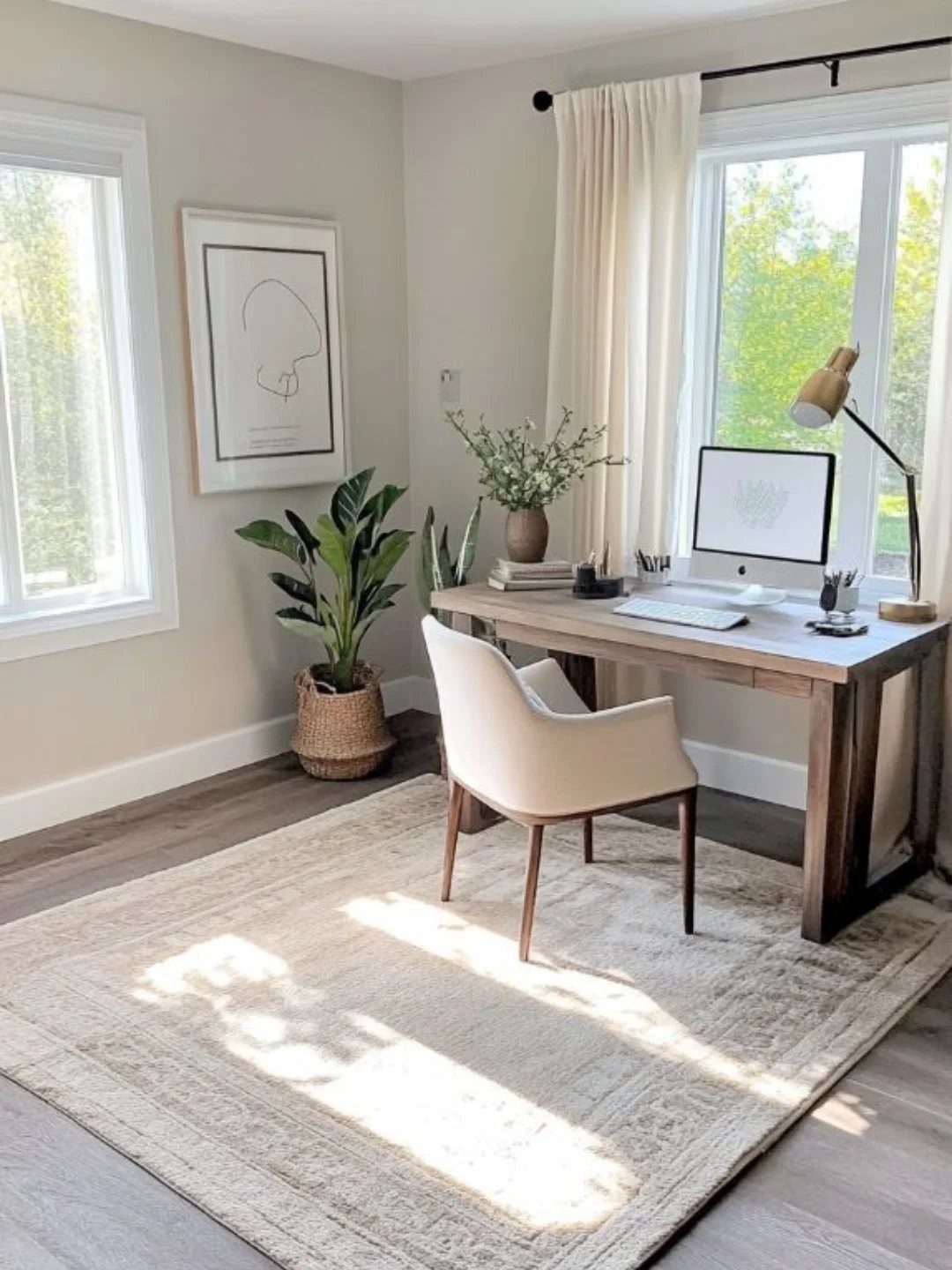
A rug under the desk softens a wood floor and gives the chair a place to roll without scratching the boards. It also makes the whole corner feel finished.
Pick one big enough that the chair wheels stay on it when you push back, since a small rug catches and bunches.
Low pile rolls best. Renters can add a rug pad underneath to keep it from creeping.
10. Display Large Artwork
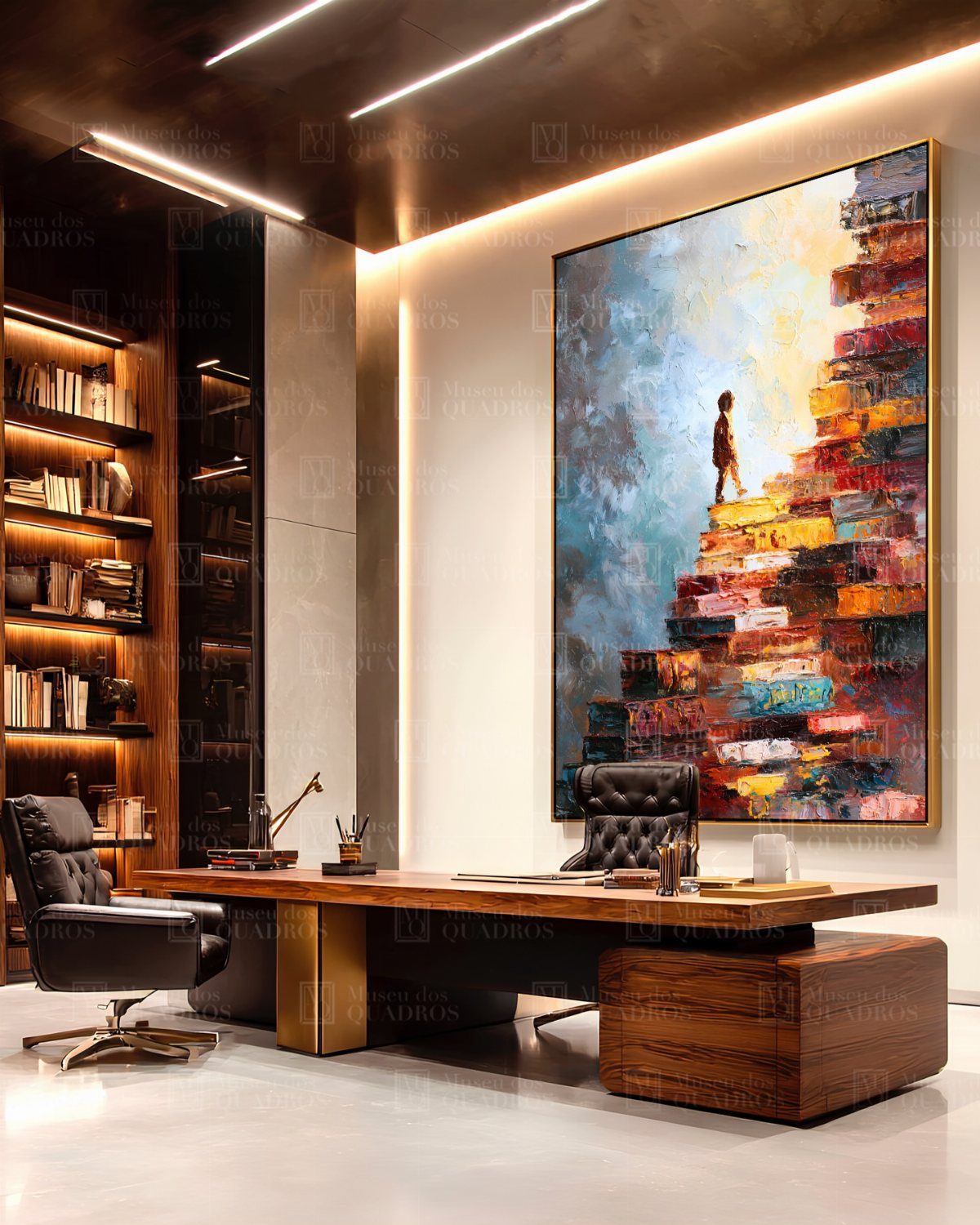
One oversized painting does the work of a dozen small frames. A bold, colorful piece like this one gives a plain office wall a clear focal point and sets the mood for the room.
Hang it so the center sits near eye level, and leave breathing room around it. I would pick a single large piece over a cluster, since it keeps the space calm and still feels deliberate.
11. Install Blinds
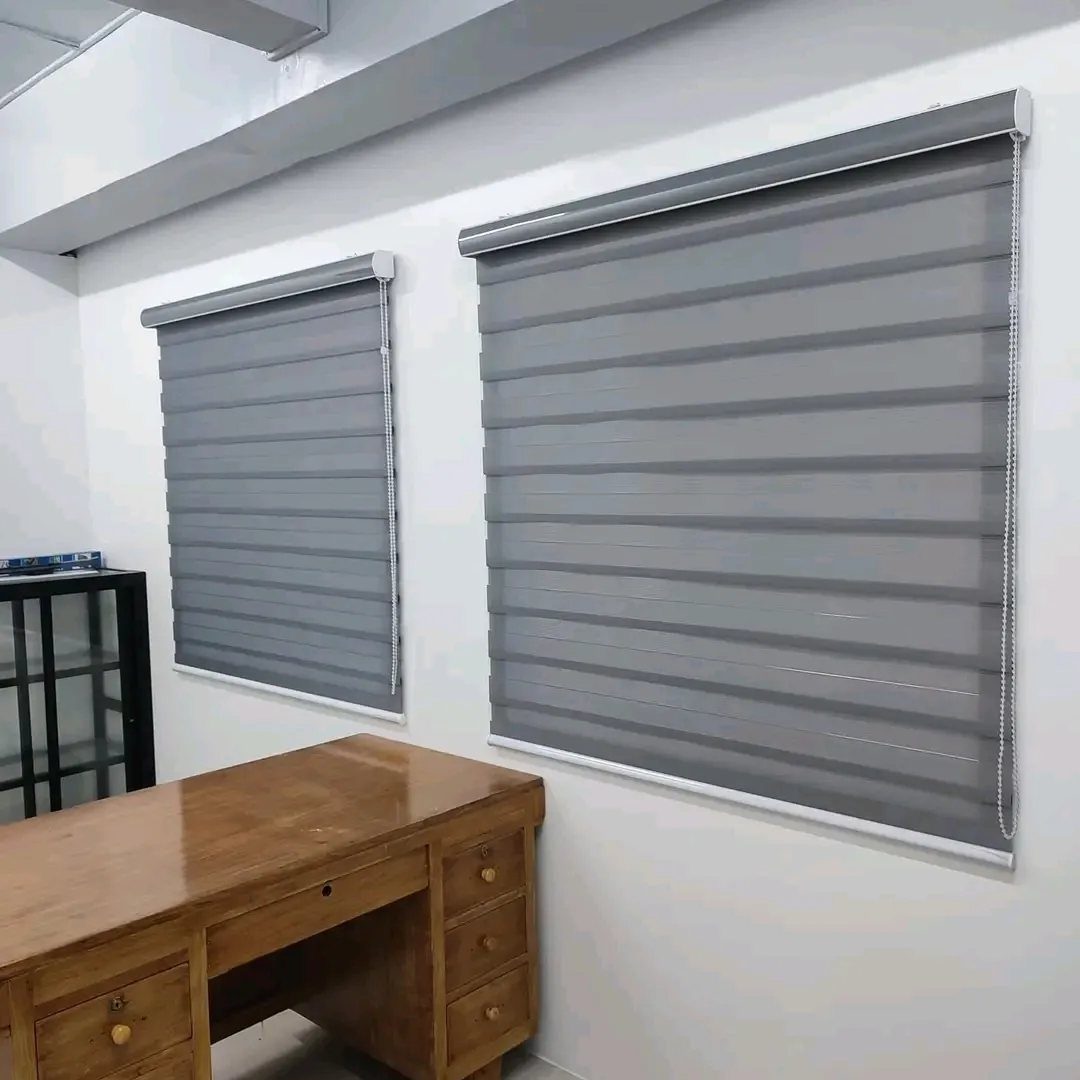
Zebra blinds, with their alternating sheer and solid bands, let you tune daylight with a simple pull.
Slide the bands to open for soft light while working, then close them for privacy or to cut glare on the screen.
Measure the window width twice before ordering, and decide whether the blind sits inside the frame or outside it.
12. Add a Footrest
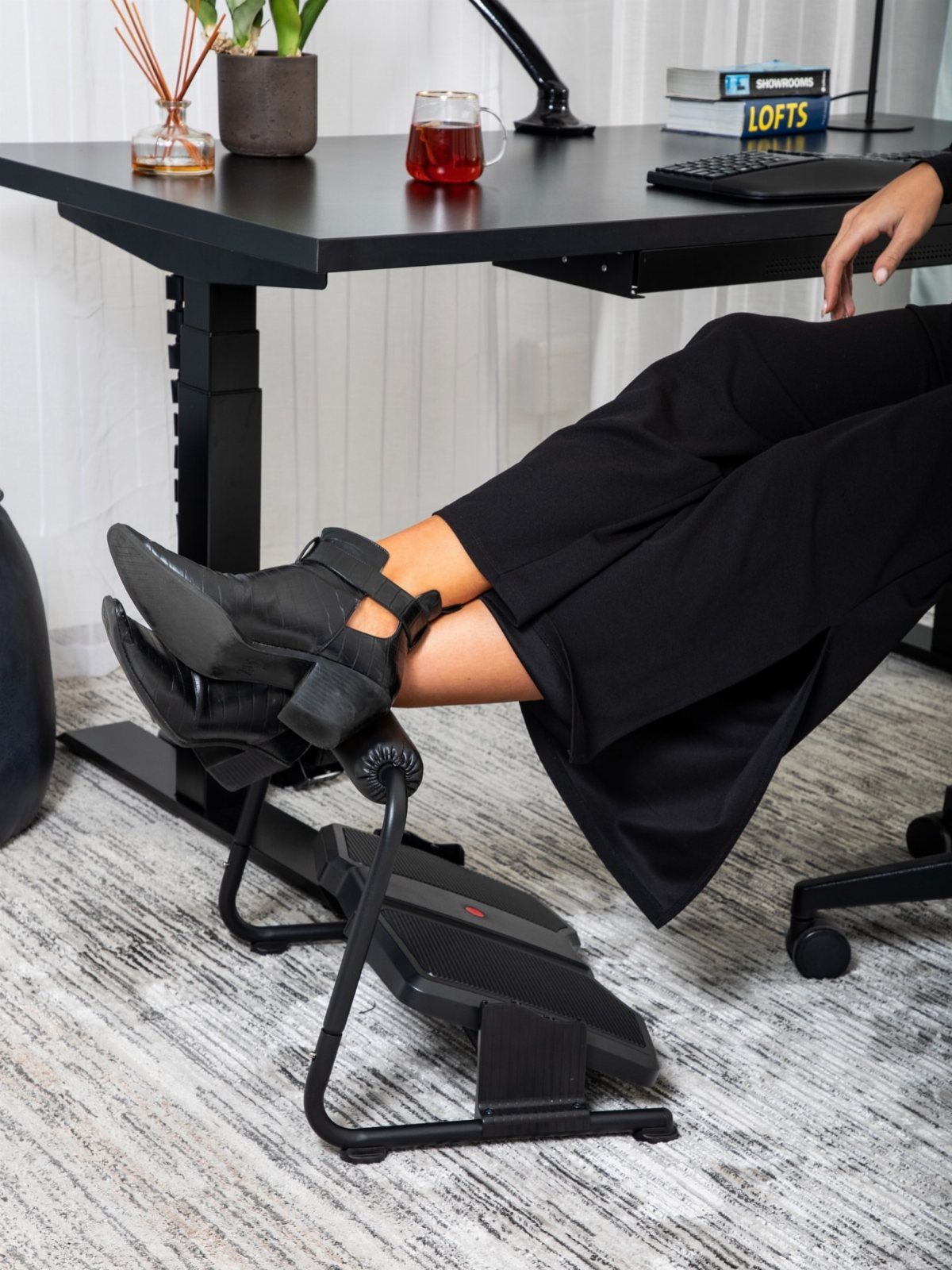
A footrest is a small add-on that changes how a long day feels, because it lets your legs stay supported instead of dangling or tucking under the chair.
An angled, adjustable model like this black one tilts so your ankles can rock while you work.
Set the height so your knees sit level with or just below your hips. It tucks under a desk and costs far less than a new chair.
13. Glass Sliding Doors
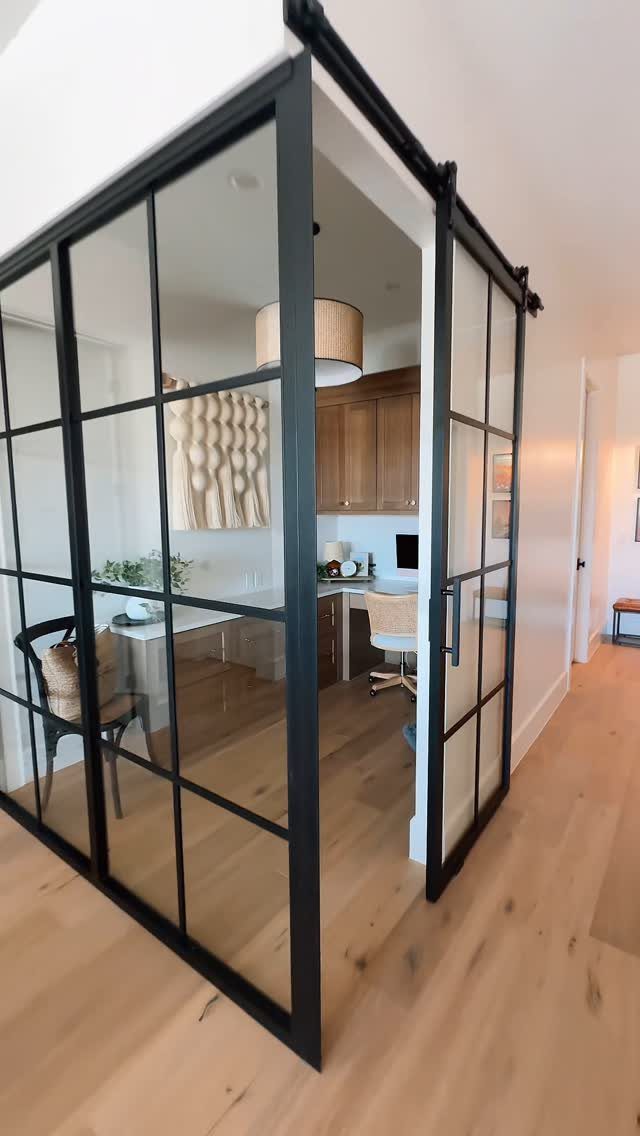
Black-framed glass sliding doors let a home office close off without going dark. You get a quiet boundary when the workday starts, and light still passes into the hall.
Sliding doors also need no swing space, which helps in a tight room where a hinged door would hit the desk or cabinets. Slim black frames look sharp against light wood, so keep the rest of the palette simple.
Check the wall beside the opening before you buy.
A barn-style slider needs clear wall equal to the door width so it has somewhere to park. Glass gives sight lines but no sound control, so a quiet boundary takes a solid door instead.
14. Built-in Illuminated Shelving
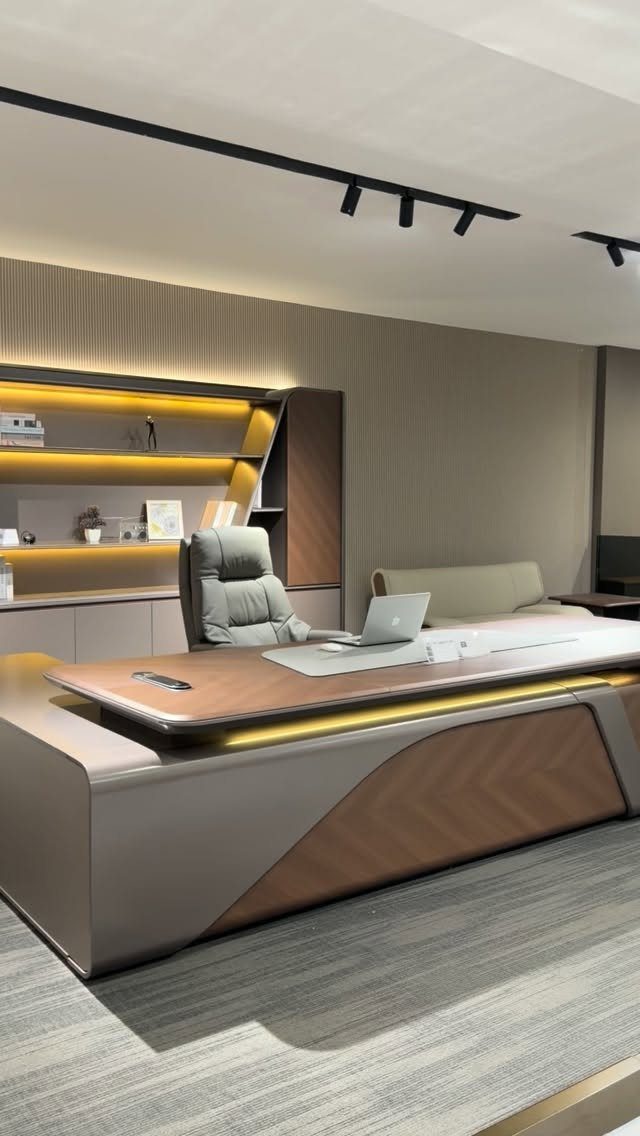
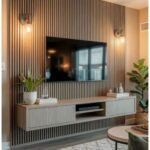
Warm LED backlighting turns floor-to-ceiling shelves into the room’s main light feature, and it keeps the surface directly behind a desk from going flat in the evening.
Choose warm white strips over cool ones; they flatter wood and keep screen work easy on the eyes.
Plug-in strips are the simplest route for renters, since they need no wiring. Hide the strip along the back edge of each shelf so you see the glow, not the diodes.
Built-ins cost real money and labor. Freestanding shelves with added strips get close for far less.
15. Wall-mounted Pegboard Storage
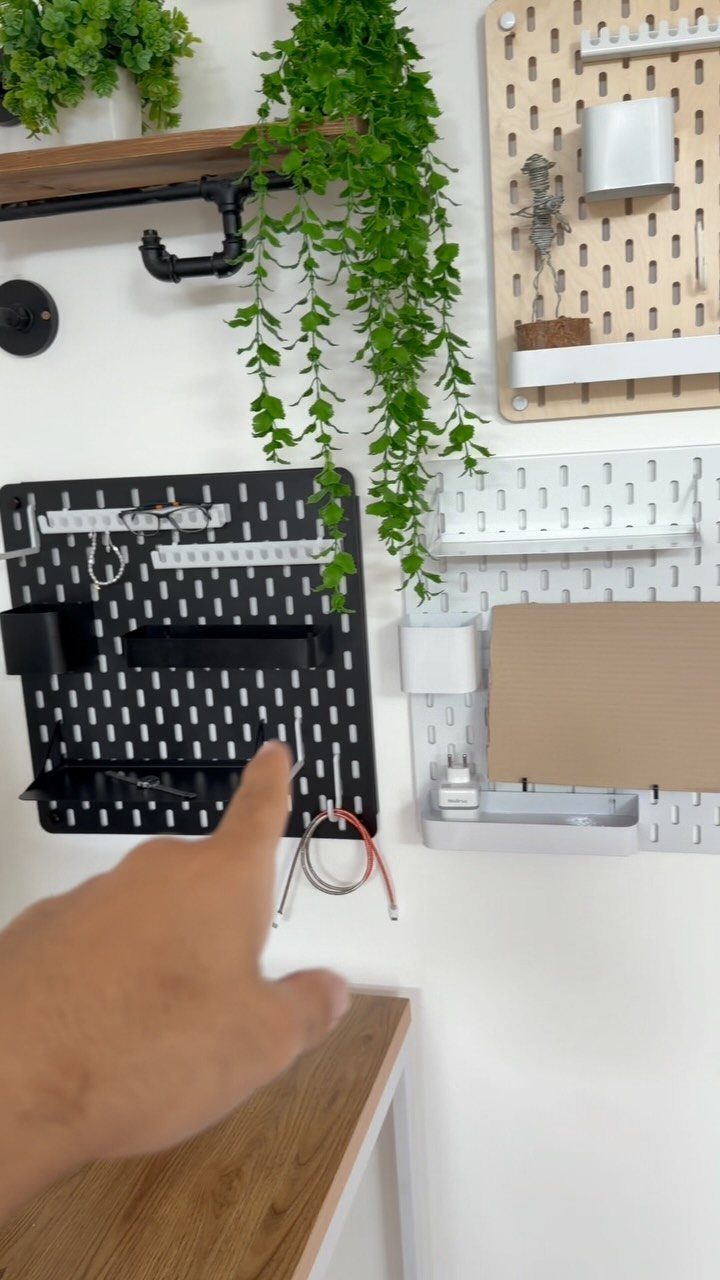
Pegboard is the cheapest way to get storage that you can rearrange in minutes. Scissors, pens, notebooks and small bins hang on hooks, so the desk stays clear.
Painting the boards black or leaving them white, as here, makes them look like part of the design, not a garage leftover.
Mount them on spacers so hooks can slip into the holes, and hang them where your hand reaches without standing.
Start with a few hooks and move them as habits settle. Overfilling turns the board into its own clutter, so leave blank holes.
16. Exposed Brick Accent Wall
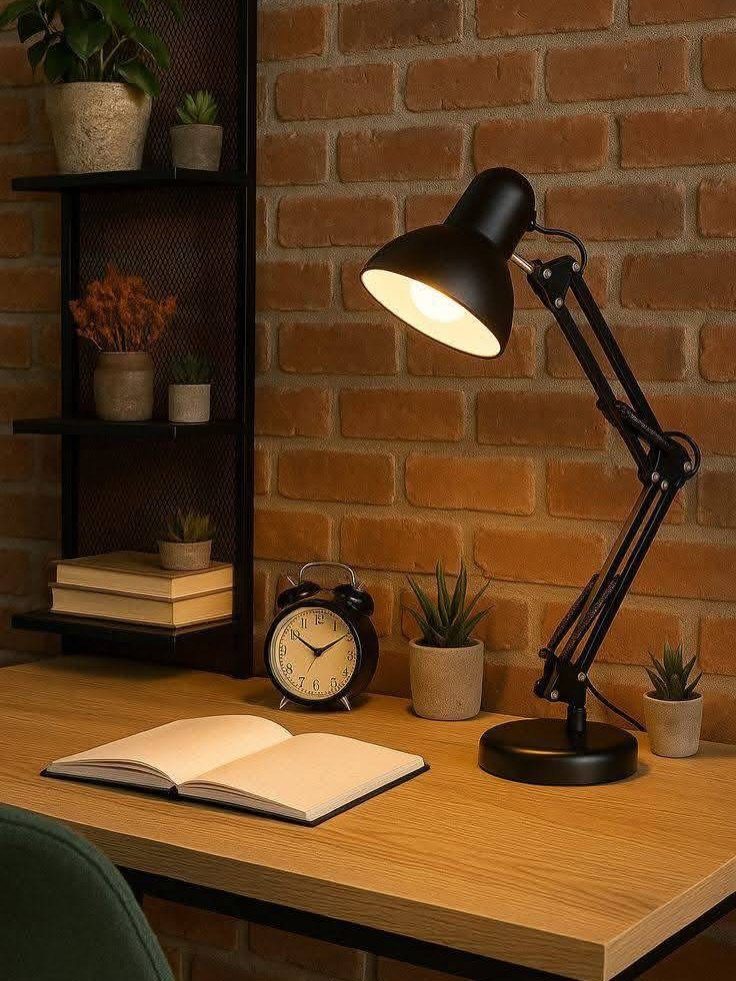
Red brick behind a desk brings warmth and texture that paint struggles to copy, and it pairs well with black metal shelving and a wooden tabletop.
Real exposed brick is a feature you either have or you don’t. Renters can get close with peel-and-stick brick panels, which skip demolition and come off more easily than a plaster job.
Keep the wall busy enough, not crowded. Brick is already a strong pattern, so I would limit shelf items to books and a few plants, and put the lamp where its light can wash across the surface.
Maintaining a Clean Environment
Before you log off, take a short shutdown pass: file the loose paper, move anything that doesn’t belong off the desk, and close the laptop. A routine that stays quick is one you will actually keep.
Dust and vacuum on a regular schedule, since a home office collects paper dust and cable lint faster than people expect. Do the floor under the desk too, where the chair wheels stir it up.
Digital clutter needs the same attention. Sort computer files into a few clearly named folders, and back them up regularly so one failed drive doesn’t erase months of work.
Give every item a place, because a room feels orderly only when each thing has somewhere to return to. If something has no home, that’s usually a sign you can let it go.
Choosing the Right Technology
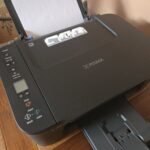
Put your money into what you use every hour: a dependable computer, solid internet, and an all-in-one printer that handles scanning and copying too.
When the choice of computer is yours, pick one that suits the work you really do. A laptop travels well, but a desktop is usually more powerful and easier to upgrade.
Either way, a separate keyboard, mouse and monitor type and display better than the built-in ones, so buy them even if you own a laptop. A second monitor is worth considering if you juggle several windows.
Wireless devices cut down on cords. Whatever cabling is left over can ride in a tray or under clips, tucked out of view.
Smart lighting or a voice assistant can streamline small daily tasks. Treat those as extras, and fund the computer and internet first.
Frequently Asked Questions
What are the basic elements of a home office?
4 things do most of the work: a chair that supports your lower back, a desk that doesn’t wobble, a separate monitor at eye level, and a light you can aim.
If the budget has to lean one way, put it into the chair, then add a small task lamp on the side away from your writing hand so your arm doesn’t shadow the page.
Add a dependable computer and solid internet, since those are the things you use every hour.
How do I set up a small home office?
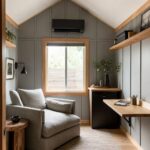
A compact desk, a single monitor and shelves that climb the wall will fit most small rooms, though the chair should stay full-size, since cutting it down only costs you comfort.
Desk legs with an angled shape let you see more floor, which helps a tight room feel open; measure the wall first, though, because a bold profile can eat more floor than a straight leg.